
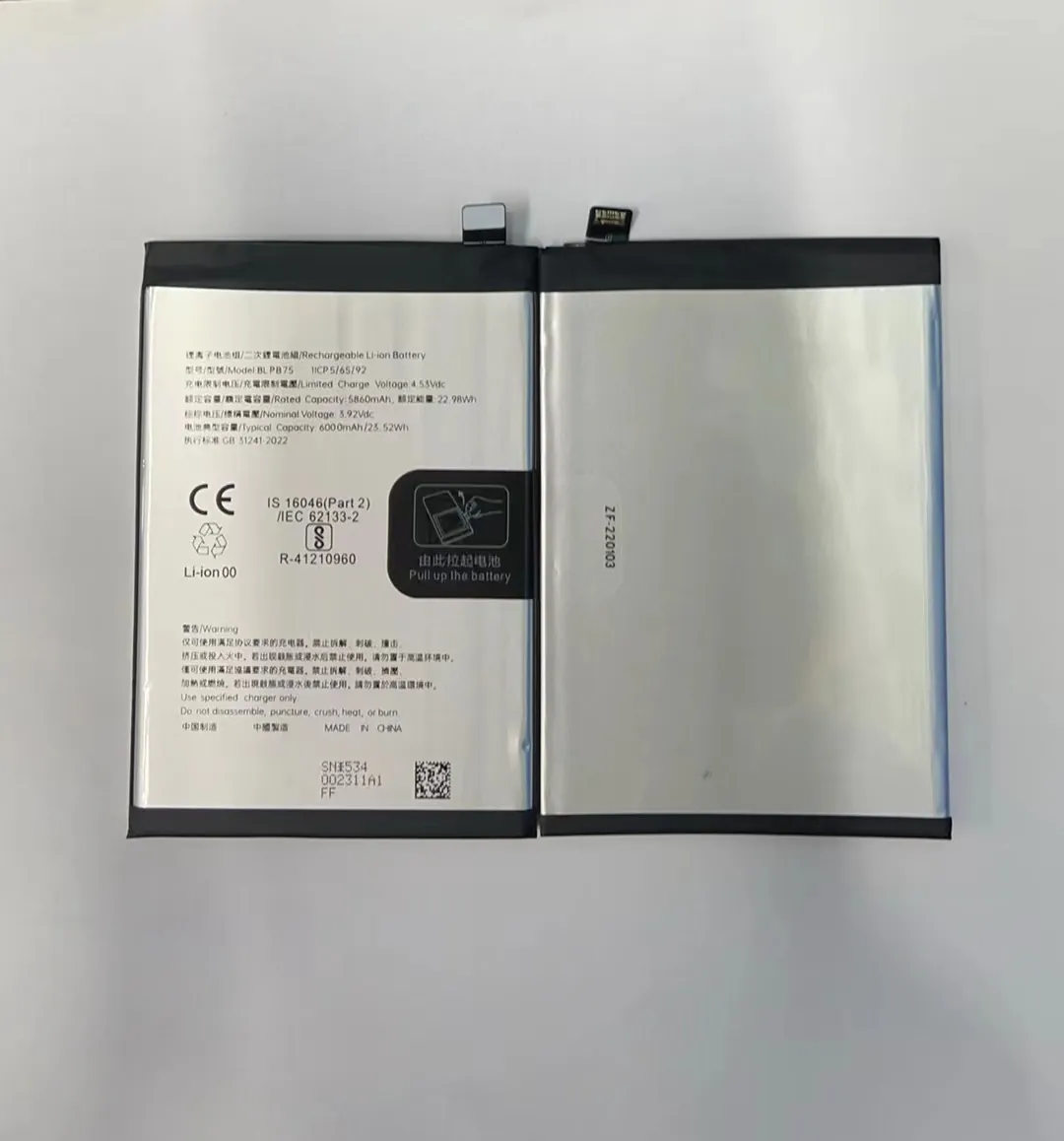
I notice my phone feels slow sometimes. The battery drains quick and I worry. Could a tired battery be the cause?
If your battery shows clear symptoms like fast drain or shutdowns, it likely needs replacement soon.
I want to help you spot real signs that tell you when your phone battery is near the end. I will also show how to check battery health. Keep reading to avoid surprise shutdowns or damage.
What performance signs indicate battery aging?
I used to think slow apps just meant my phone was old. Later I realized battery wear can cause lag and shutdowns too.
If apps lag, phone shuts off at 30–40%, or charge drops fast, these are strong signs your battery is aging.

Why performance slows down
When battery health drops, battery can no longer deliver stable power under load. In many phones, the system may throttle CPU speed to prevent unexpected shutdowns. This makes the phone feel slow. Apps take longer to open. Even scrolls feel sluggish. I once tested two identical phones: one with fresh battery and one with worn battery. The worn one lagged noticeably when opening several apps quickly.
Also, battery aging sometimes causes phone to turn off even if battery indicator shows leftover charge. That happens because battery voltage drops too fast under demand. If this happens a few times, it’s a warning.
Visual signals plus odd behavior
Old battery can cause hot back, sudden restart, or failure under heavy tasks (like games or videos). If your phone was fine before, and you see these now, battery might be culprit.
My personal rule of thumb
I treat these symptoms as flags:
- Phone gets slow in everyday use
- Apps hang or restart
- Phone shuts off suddenly though battery shows 30–50%
- Battery drains much faster than before
If I see two or more of these lasting several weeks, I plan a battery replacement.
Summary signs at a glance
| Symptom observed | What it may indicate |
|---|---|
| Slow loading of apps, sluggish UI | Power throttling due to weak battery |
| Sudden shutdown at mid‑battery level | Voltage drop under load |
| Rapid battery drain | Lower capacity |
| Phone heats more under light use | Battery internal resistance rising |
If you spot several of these, replacement is a good idea. Even if you wait a bit, risk rises for unexpected shutdowns or poor performance.
How do I check my battery health accurately?
I used guesswork many times. Then I found tools that show real battery health stats. They helped me know for sure.
You can check battery health using built‑in diagnostics or apps that read battery cycles and capacity.

Built‑in tools or apps
Many phones offer battery info under Settings. Some mark “battery health” or “maximum capacity”. If yours shows capacity under ~80–85%, battery is worn.
If system lacks that info, you can use third‑party apps. For Android I use apps that show cycle count, voltage drop, capacity (mAh). On iOS I rely on Settings → Battery Health. Always pick apps with good reviews and no ads.
What to check exactly
- Full charge capacity: Compare to original battery capacity. If drop more than 15–20%, battery is significantly aged.
- Cycle count: Batteries wear with more charges. Common lithium batteries rate for 300–500 cycles.
- Voltage stability under load: Good battery keeps stable voltage when phone is active. If voltage dips quickly, poor battery.
- Charging time: If battery takes much longer to reach full, health may decline.
Example reading table
| Parameter | Healthy battery | Worn battery |
|---|---|---|
| Full charge capacity | ~100% | 70–80% |
| Cycle count | 0–300 cycles | >400 cycles |
| Voltage under load | Stable | Dips or fluctuates |
| Time to full charge | Normal time | Much longer |
When results mean replace
If capacity is under ~80%, or cycle count exceeds rated cycles, or you see voltage instability, you should replace battery soon. I once ignored a 75% reading. In a month the phone shut down unexpectedly at 20% — inconvenient and risky.
Check regularly
I recommend checking every 3–4 months. That helps track gradual decline and plan replacement before major drop. It avoids surprise failures when you need phone most.
Can slow charging signal a worn‑out battery?
I often blamed slow charging on bad cables or charger. Later I learned old battery can also cause charging to drag slowly.
If your battery charges much slower than before while using same charger and cable, the battery may be worn out.

How battery aging affects charging
With age, internal resistance in battery cells increases. This resistance slows charging. Also battery may not accept full charging current or voltage as before. So even with same charger/cable, the phone shows slower charging.
If charger and cable are okay but charging time becomes much longer, that signals battery problems.
Testing slow charging properly
I follow steps to test:
- Use original or high‑quality charger and cable.
- Charge from low battery (e.g. under 10%) to full, without using phone.
- Measure how long it takes compared to earlier times or another healthy phone.
If time increases by 50% or more, that is a red flag.
Other factors to eliminate
Slow charging can come from: bad charger, cable, or power outlet; background apps using power; degraded charging port; phone overheat. I always rule those out first. If they are fine and still slow charging — battery likely is worn.
Example: I used same charger and cable for two phones. One charged 0–100% in 2 hours. The older phone took 3.5 hours. I tested with other cable and outlet — same slow speed. That told me battery was degraded. After replacement, charging was back to 2 hours.
When slow charging alone is enough for replacement
If charging is very slow AND you see other signs (drain, shutdown, low capacity), replace battery soon. If slow charging is isolated and charger is faulty, replace charger first. I treat slow charging as an auxiliary sign, not the only trigger.
Is battery swelling a reason for immediate replacement?
I once saw a phone back slightly bulge. I ignored it at first. Later screen cracked because pressure from inside. That scared me.
Yes, battery swelling is a serious safety risk and calls for immediate replacement.

Why swelling happens
When lithium‑ion batteries age or suffer damage, chemical reactions inside produce gases. These gases build pressure and make battery swell. This happens often when battery has many cycles or is exposed to heat or overcharging.
A swollen battery loses stable form and may exert pressure on phone housing, screen or other parts. That can cause cracks, screen damage, or risks like short circuits.
What swelling looks like
- Phone back seems curved or bulged.
- Gaps at edges near battery compartment.
- Screen lifting or warping; screen may sit uneven.
- Wobbly phone when placed flat.
If you notice any of these, do not wait.
Safety first: stop using phone
I recommend these steps:
- Turn off phone and avoid charging it.
- Back up data immediately.
- Take phone to a repair shop or replace battery yourself if you know how.
Do not press the swollen battery or puncture it. Lithium battery puncture may cause fire or leak harmful chemicals.
Health vs safety reasons
Sometimes you can accept low battery life. Slow battery just means inconvenience. But swelling is safety hazard. It can damage phone or even cause injury. So swelling by itself is enough to warrant immediate battery replacement.
Conclusion
I learned that I should replace my phone battery when I see strong signs: lagging performance, sudden shutdowns, low battery health stats, slow charging, or worst of all — swelling. Replacing early avoids troubles and keeps phone safe.
