

Most people wait until their phone warns them it’s dying. That may be too late. Poor charging habits could quietly kill your battery faster than you think.
The best time to charge your mobile phone battery is before it drops below 20%, and ideally, you should keep it between 20% and 80% for better long-term health.
Many still believe it's best to fully drain and then fully charge a battery. That was true years ago, but not anymore. Modern lithium-ion batteries don’t work that way. If you want your phone battery to last longer, understanding how and when to charge is the first step.
Why avoid full discharges?
Letting your battery reach 0% often might feel normal. But is it really okay?
Fully discharging your phone battery regularly stresses it, shortens its lifespan, and may lead to performance problems over time.

A battery isn't designed to hit 0% every day. That used to be helpful for older nickel-based batteries. But today’s lithium-ion batteries work differently. They don’t have a “memory effect,” so full discharges are unnecessary—and harmful.
How low is too low?
Modern batteries have safety systems to prevent full damage. Even when your phone shuts off, there's a bit of charge left inside to avoid total failure. But reaching that low puts stress on the chemical structure inside the battery. Repeating this too often speeds up aging.
What actually happens inside?
Each time your battery drops too low, the voltage inside cells decreases. At low voltage levels, chemical instability increases. This leads to:
- Higher resistance in the battery
- More heat during charging
- Permanent capacity loss
What experts recommend
| Battery Level | Effect on Battery Health |
|---|---|
| 0% – 10% | High stress, faster wear |
| 20% – 80% | Optimal range |
| 90% – 100% | OK sometimes, not always |
It’s clear: avoid draining the battery fully. A better habit is to recharge when you still have around 20% left.
What is the best charging range?
You charge when it's convenient. But could that be hurting your battery?
The ideal charging range for most lithium-ion phone batteries is between 20% and 80%, helping balance capacity and long-term battery health.

Charging to 100% is tempting. It feels good to see that full bar. But this simple action comes with a cost over time.
Why not go to 100%?
When the battery approaches 100%, internal pressure rises. This creates more heat. Heat speeds up battery wear. So, although your phone says 100%, the battery inside is under stress.
20%–80%: The sweet spot
Most manufacturers and battery experts agree that keeping your phone charged between 20% and 80% helps extend its useful life. Here’s why:
- At low levels: stress increases because of low voltage.
- At high levels: stress increases due to high voltage and heat.
- In the middle: everything stays stable and efficient.
Daily use and real-life examples
| Charging Habit | Battery Lifespan Impact |
|---|---|
| Charging 0% to 100% | High wear |
| Charging 20% to 80% | Balanced, lower stress |
| Charging overnight | Potential overcharge/heat |
If you don’t need a full charge to get through your day, stopping at 80% is smart. And you should unplug once you reach that number.
Which signs show it’s time to charge?
You notice your phone is getting slow or hot. Could it be the battery?
It’s time to charge when your battery drops below 20%, or when performance issues like lag, dim screen, or random shutdowns begin to appear.
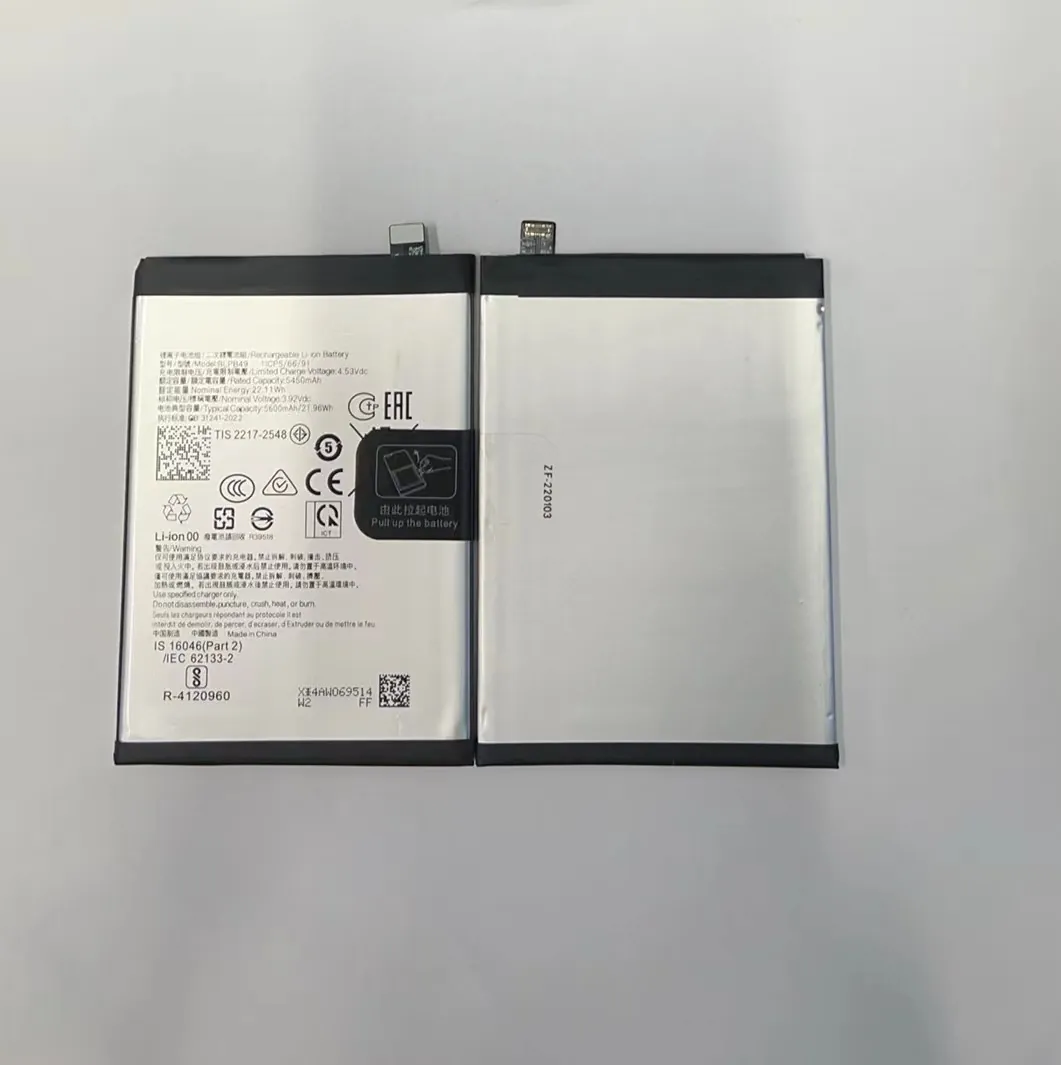
Phones are smart. They give clues when power is running low. You just have to watch for the signs.
Common warning signs
- Battery below 20%: Most phones show a red icon or warning.
- Sudden shutdowns: Your phone may shut off even with 10–15% left. This means the battery isn't delivering enough current.
- Slower performance: Phones often reduce power usage when battery is low, slowing things down.
- Dimming screen: A phone may auto-dim the screen to save energy.
- Overheating: Heat increases when the battery struggles, especially below 10%.
Why charging earlier helps
Charging before 20% keeps the battery in a stable voltage zone. This avoids sudden shutdowns and keeps performance consistent. Also, charging earlier means your phone doesn’t have to pull as much power at once, reducing stress and heat.
Don’t ignore these signs
If your phone shuts off with battery left, that’s a red flag. It means your battery's health is already going down. Changing how and when you charge could slow that damage.
How do habits affect battery health?
You may not think twice about charging habits. But they matter more than you think.
Your daily charging habits—like timing, duration, and frequency—have a direct impact on battery health and how long your phone will last.

Batteries don’t just wear out because of age. They wear out faster when used the wrong way. Most users don’t notice it, but daily routines make a difference.
Charging too often or too long?
Leaving your phone on the charger overnight is common. It’s convenient. But if your phone stays at 100% for hours, heat builds up. Over time, this damages the battery.
Frequent top-ups—like charging from 80% to 100% again and again—also have some cost. While better than full discharges, they still push voltage higher than necessary.
Good habits to follow
Best Practices Table
| Habit | Impact on Battery |
|---|---|
| Charge between 20%–80% | Best |
| Avoid 0% and 100% extremes | Reduces stress |
| Use slow charging when possible | Less heat |
| Don’t charge overnight | Avoids overheating |
| Keep phone cool | Prevents wear |
Temperature matters too
Charging your phone in hot or cold environments harms the battery. Try to keep the phone between 15°C and 25°C (59°F to 77°F) during charging. Also, remove the phone case if it traps heat while charging.
Software tools that help
Many phones now include battery optimization features. These may pause charging at 80%, or learn your habits to charge more safely overnight. If available, turn these features on.
Conclusion
Charging your phone at the right time protects its battery. Aim to stay between 20% and 80%, avoid full discharges, and don’t leave it plugged in overnight. Small habits make a big difference.
