

Your flip phone isn't holding a charge anymore, and you're not sure where to buy a replacement battery or how to install it. You're worried about choosing the wrong one or damaging your phone.
If you need a T‑Mobile flip phone battery replacement, your best options are certified repair stores, trusted electronics retailers, or reliable online suppliers. Choose by verifying the battery model and ensuring compatibility.
It’s easy to get overwhelmed with too many choices. But don’t worry — in this guide, I’ll walk you through exactly where to buy, how to choose the right battery, and whether it’s safe to use third-party parts or do the installation yourself.
What stores carry T‑Mobile flip phone batteries?
Many people worry that flip phone batteries are too old-fashioned to find in stores anymore.
You can still find T‑Mobile flip phone batteries in carrier stores, major retailers like Walmart or Best Buy, and online marketplaces that specialize in phone parts.
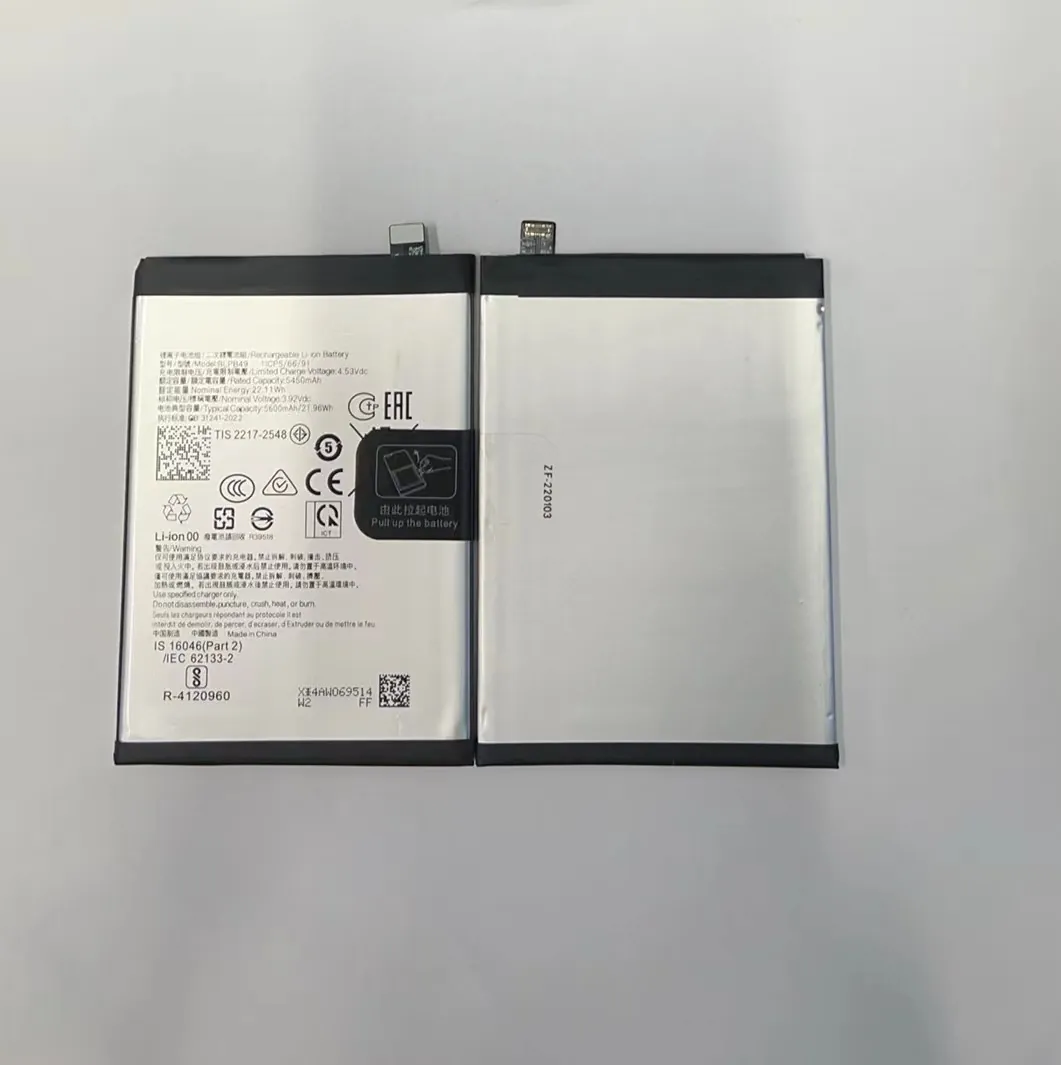
When I searched for a battery for an older T‑Mobile flip model, I found multiple store types that carry these batteries.
Types of Stores and Their Pros & Cons
| Store Type | Products Available | Pros | Cons |
|---|---|---|---|
| T‑Mobile Stores | OEM or certified replacement batteries | Reliable, authentic, sometimes installation included | Limited stock, might not support old models |
| Big Retailers (e.g., Walmart) | Generic or branded batteries | Local availability, convenient returns | Limited compatibility, less variety |
| Online Parts Sellers | Wide selection, older model support | Affordable, lots of inventory, home delivery | Need to check model compatibility carefully |
| Phone Repair Shops | May stock or order for you | Professional support, installation help | Prices may be higher, limited to certain models |
When I visited a local electronics repair store, I showed them my phone model and they ordered a battery within 24 hours. For older flip models, online is often better because you can search by exact battery code or phone name.
Always bring your old battery or phone model number with you. If you’re buying online, make sure the listing clearly mentions compatibility with your T‑Mobile flip phone.
How do I identify the right battery model?
It’s frustrating when a battery looks like it fits, but it doesn’t. Or worse — it damages your device.
To find the right battery model, check the label on your old battery or inside your phone’s battery slot. Look for the model number, voltage, and capacity.

Every battery has a few key identifiers: a model code (like BTE‑2000), voltage (like 3.8V), and capacity (like 2000mAh). You’ll usually find this printed on the battery itself. If your battery is missing or unreadable, open the back cover of the phone and check near the battery contacts — some phones list the compatible battery there.
Here’s what you need to pay attention to:
Key Specifications to Match
| Feature | Why It Matters |
|---|---|
| Model Number | Ensures physical and electrical compatibility |
| Voltage (V) | Must match exactly (3.7V vs 3.8V can matter) |
| Capacity (mAh) | Affects battery life — higher means longer use |
| Battery Size & Shape | Flip phones often use uniquely shaped batteries |
| Terminal Position | The metal contacts must align properly with your phone |
Some flip phones like the Alcatel Go Flip, CAT S22 Flip, or TCL Flip Go have specific batteries that aren’t interchangeable. Even if they look similar, using a mismatched battery can cause overheating or system errors.
If in doubt, search the phone's exact model (printed under the battery or in system settings) along with the word “battery” to find the correct replacement. For example: “TCL Flip Go 4058W battery”.
Make sure to also look for signs of original manufacturer codes or barcodes. If you're ordering online, check that the seller lists the model clearly and offers a return policy in case the part doesn't fit.
Can third-party batteries be used safely?
Original batteries often cost more, which makes people look for alternatives. But safety should come first.
Third-party batteries can be safe if they are from reputable sellers, match the phone’s specifications exactly, and include basic safety certifications.
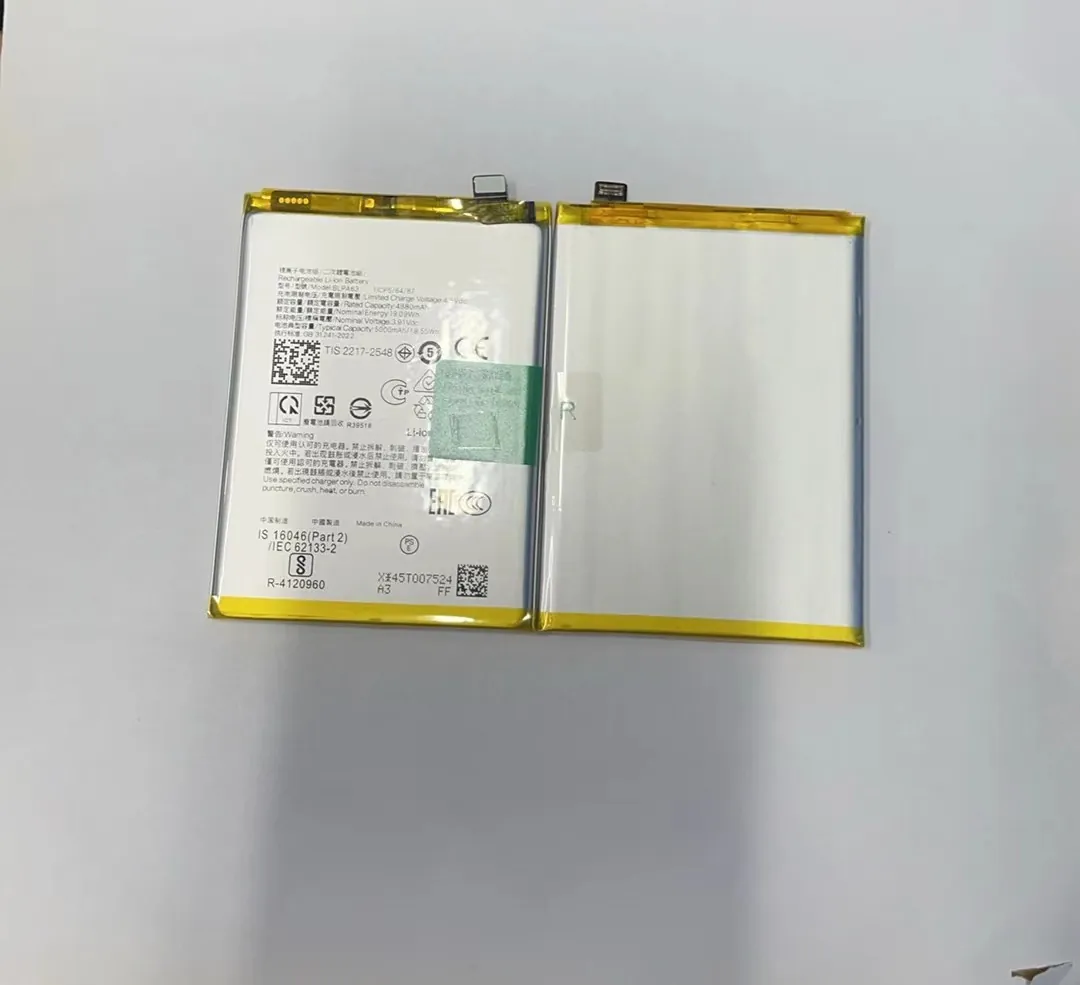
I’ve personally used several third-party batteries for flip phones — some worked great, others didn’t. The key difference was always the source and how well the specifications matched.
Pros and Cons of Third-Party Batteries
| Pros | Cons |
|---|---|
| Lower cost | May not last as long |
| More widely available | Risk of fake or defective products |
| Often available for older models | Some lack safety features |
What to Look For in a Safe Third-Party Battery
- Exact match of model number, voltage, and connector layout
- Certifications like CE, FCC, RoHS, or UL
- Reputation of the seller and reviews from buyers
- Return policy in case the battery doesn’t work or causes issues
- Warranty offered (even 3–6 months can indicate seller confidence)
Avoid batteries with vague labels like “compatible with many models” — they often don’t fit perfectly. If you receive a battery and it feels hot while charging, or drains unusually fast, stop using it immediately.
If you buy from a known brand or seller, test the battery after charging. Watch for signs like:
- Overheating
- Bulging
- Strange chemical smell
- Rapid draining
None of these are normal. Safety should always come first, even if it costs a bit more.
Is it better to replace at a certified store?
You might ask yourself, “Should I replace this myself or trust a pro?”
Replacing your flip phone battery at a certified store ensures safe installation, proper sealing, and often comes with a short service warranty.

I’ve replaced flip phone batteries both by myself and at stores. If the battery is easily removable and I have the correct part, I don’t mind doing it myself. But if the battery is glued, or the phone is still under warranty, I always go to a certified store.
Here’s a breakdown of the two approaches:
DIY vs Certified Store Replacement
| Option | Cost | Skill Needed | Risk | Time |
|---|---|---|---|---|
| DIY Replacement | Lower | Medium | Moderate | Immediate (if you have battery) |
| Certified Store | Higher | None | Low | 1–3 Days (including service time) |
Advantages of Using a Certified Store
- Correct installation: No need to worry about damaging connectors or bending parts
- Warranty support: If something goes wrong, you may get a free fix
- Original parts: More likely to get a factory-original or high-quality battery
- Peace of mind: You don’t need to test or guess
If your flip phone has a user-replaceable battery, it may still be safe and easy to replace it at home. But always double-check whether opening the phone voids your warranty.
Also, some flip phones (like waterproof models) have special seals that need to be reset after opening. Without the right tools, you might risk damage or create leaks.
In short, a certified store may cost more, but it’s often worth it if you want a hassle-free, safe experience.
Conclusion
If your T‑Mobile flip phone battery needs replacing, don’t panic. You can find replacements at carrier stores, electronics retailers, and online shops. Make sure you match the model number exactly, check all specifications, and decide if you want to install it yourself or leave it to a pro. A little preparation can save you time, money, and headaches later.
