
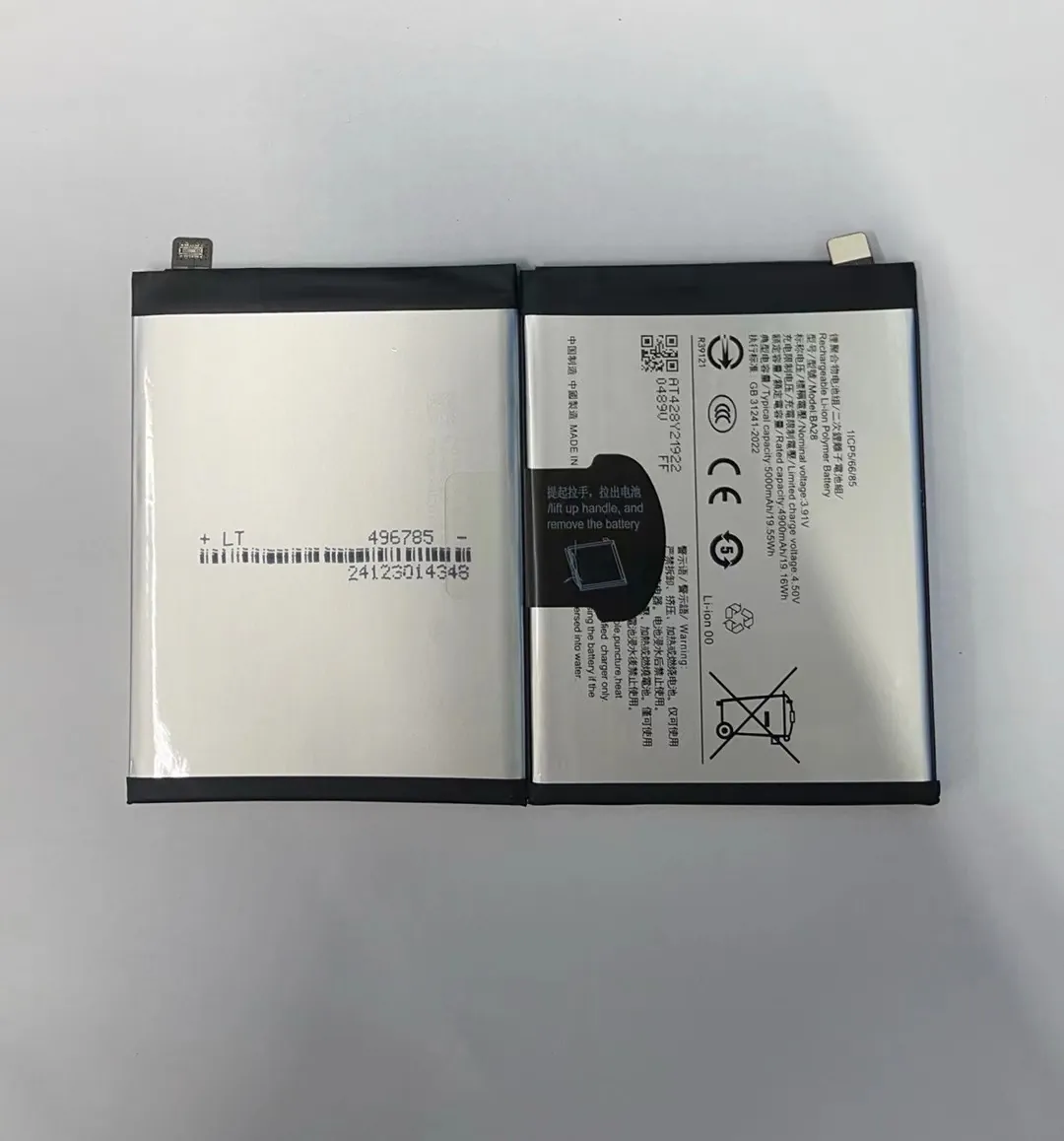
Many people have been shocked to find their phone's back cover bulging or even popping off. This is usually caused by a swollen battery, which can look scary and raise many questions.
A swollen battery happens when chemical reactions inside the battery produce gas, causing the battery to expand. This is usually due to age, damage, or poor charging habits.
If you've ever seen your phone swell up, it’s important to understand what's happening and what you should do next. Let’s explore this issue step by step.
What causes a battery to inflate over time?
Many users notice their phone batteries getting thicker after months or years. Some even see the phone case no longer fitting right. What’s causing this?
Battery swelling is usually caused by internal gas buildup from chemical reactions, often due to overcharging, aging, or damage.

Chemical Reactions and Lithium-Ion Batteries
Most modern smartphones use lithium-ion batteries. These batteries store energy through chemical processes. Over time, repeated charging and discharging stress the battery’s internal structure. When these reactions are disrupted—due to heat, overuse, or manufacturing issues—they produce gases like carbon dioxide.
These gases get trapped inside the battery's sealed pouch. As pressure builds up, the battery expands. In most cases, this expansion is slow, but it can happen quickly in severe situations.
Common Reasons Behind Battery Swelling
Here are some specific causes of swelling:
| Cause | Description |
|---|---|
| Overcharging | Continually charging past 100% stresses the battery |
| High temperature | Heat speeds up chemical degradation inside the battery |
| Aging | Batteries naturally wear out and may start to swell after 2-3 years |
| Deep discharges | Letting your phone die often can damage the battery |
| Physical damage | Drops or punctures may trigger internal short circuits |
| Poor quality cells | Cheap or fake batteries often lack safety layers |
Manufacturing Defects Also Play a Role
Sometimes, even high-quality phones with good batteries swell. This could be due to a hidden defect in the battery's build. Even a slight error in layering the materials inside the battery can lead to swelling later.
How can you prevent battery swelling?
No one wants to deal with a bloated battery. So how can you stop it from happening?
To prevent battery swelling, avoid overheating, overcharging, and using damaged or low-quality chargers or batteries.

Tips for Battery Health
Following basic charging practices can help extend your battery’s life:
- Charge between 20% and 80%: Try not to charge to 100% or let your phone drop below 20%.
- Avoid heat: Don’t leave your phone in hot cars or under pillows while charging.
- Use original or certified chargers: Cheap chargers may deliver inconsistent power.
- Don’t charge overnight: Modern phones stop charging at 100%, but heat can still build up.
- Update your software: Some updates improve battery charging behavior.
Understand Charging Habits
Every battery has a limited number of charge cycles—usually between 300 to 500 full charges. Keeping the battery between 20%-80% can almost double its lifespan. Avoid using your phone heavily while it’s charging, as it can cause overheating.
Spotting Fake or Low-Quality Batteries
Be cautious when replacing your battery. Here’s a quick comparison to help you:
| Type | Genuine Battery | Fake Battery |
|---|---|---|
| Price | Higher | Very cheap |
| Performance | Stable and long-lasting | Quick to degrade |
| Packaging | Branded, often sealed | Plain or misspelled labels |
| Certification | Usually includes safety markings | Lacks safety certifications |
Always choose tested and verified suppliers, especially if you are in the phone repair business.
Is a swollen battery dangerous to use?
Some people try to keep using a phone with a swollen battery. But is that safe?
A swollen battery is dangerous and should not be used. It can leak, catch fire, or even explode in rare cases.
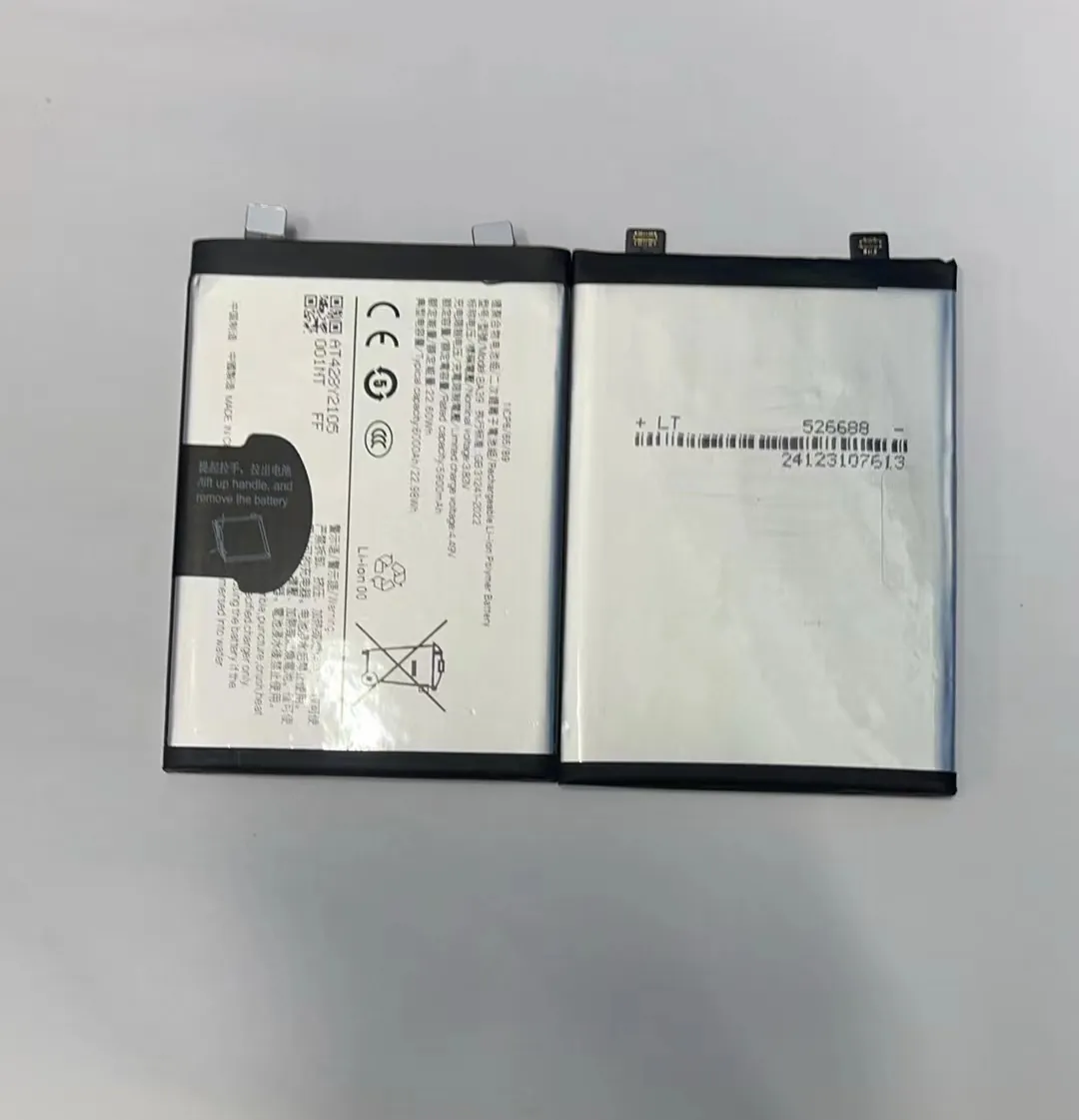
Risks of Using a Swollen Battery
A swollen battery is a sign that something is wrong internally. The gases trapped inside can break the battery's seal. If oxygen gets in, it may react with the lithium, causing smoke or fire.
Some users ignore swelling because the phone still works. But that’s risky. Even if there is no immediate problem, the battery could fail at any time.
Physical Damage to Your Phone
Swelling can also damage other parts of the phone. It can:
- Crack the screen from the inside
- Warp the frame
- Damage internal cables
This means using a swollen battery may end up costing more than just replacing the battery.
Fire and Chemical Exposure
If the battery punctures, it may release harmful chemicals. These can irritate your skin, eyes, and lungs. Even if it doesn’t catch fire, the leak itself is hazardous.
So it’s never worth taking the risk. Replace the battery or stop using the device immediately.
What should you do if your battery swells?
Seeing a bloated battery can be alarming. What steps should you take next?
If your battery swells, stop using the device immediately, avoid charging it, and seek professional help for battery replacement.
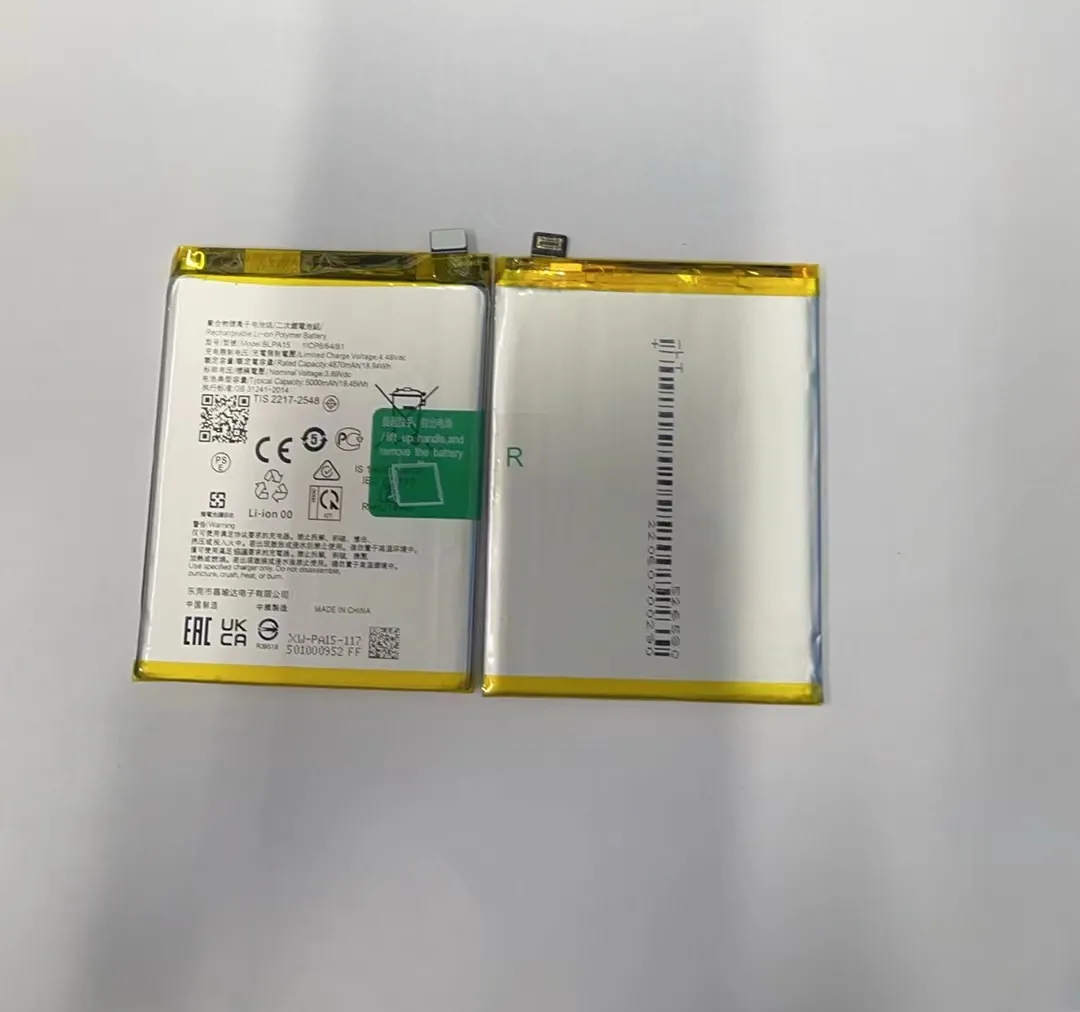
Do This Immediately
- Power off the device: Shut it down to avoid heat or short circuits.
- Stop charging: Disconnect from any power source right away.
- Do not puncture or press the battery: This could cause it to catch fire.
- Place the phone on a non-flammable surface: Ceramic tiles or metal tables are better than wood or fabric.
- Contact a professional repair shop: Don’t try to remove the battery yourself unless trained.
How to Dispose of a Swollen Battery
Never throw a swollen battery in the trash. Most countries have rules for disposing of electronic waste. Look for:
- Electronics recycling centers
- Battery collection points
- Authorized service providers
Ask your local repair shop if they handle battery disposal. Many do, and they’ll handle it safely.
Can You Replace the Battery Yourself?
If you have experience and the right tools, replacing the battery yourself is possible. But most phones today are sealed. Opening them requires special tools, adhesives, and care.
If you’re in the phone repair industry, always stock tested, high-quality batteries. This helps protect your customers and your business.
Conclusion
Swollen batteries are a sign of trouble, not something to ignore. They form from gas buildup inside the battery due to heat, age, or poor use. It’s always best to stop using the device, avoid charging it, and replace the battery safely.
