

One moment your phone's at 90%, then suddenly it's below 30%—with no heavy use in sight.
Fast battery drain is often caused by background apps, poor signal, software issues, or display settings consuming more power than expected.
Battery life problems rarely come from one cause. It’s usually a mix of small issues adding up. Let's break them down and fix them one by one.
What causes excessive battery drain on phones?
Your phone seems fine—but the battery drops even when idle. This silent drain is more common than most people think.
Excessive battery drain is usually caused by active background processes, high screen brightness, location services, or outdated software.
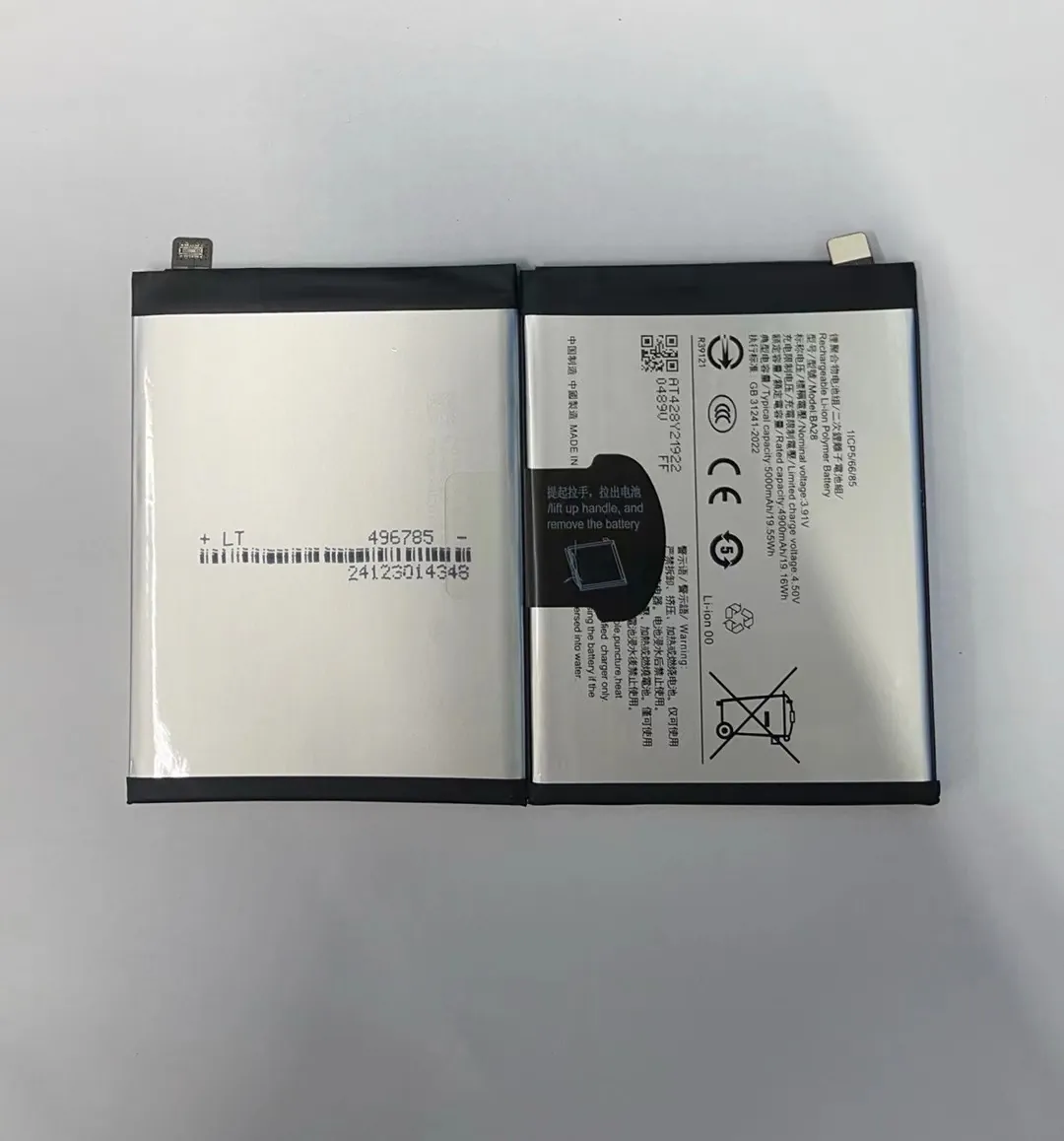
Most modern smartphones manage power well, but several factors can mess that up. When features like auto-sync, constant GPS, or push notifications stay active, they keep the processor running. That leads to steady, unnoticed battery drain.
Top causes of battery drain
| Cause | Power Impact | Description |
|---|---|---|
| Screen brightness | High | Especially in high resolution displays |
| Location services | High | Constant GPS activity uses more power |
| Push notifications | Medium | Keeps background data running |
| Auto-sync | Medium | Frequent background refresh of apps |
| High refresh rate display | High | 90Hz/120Hz uses more battery |
| Old software versions | Medium | Poor optimization causes inefficiency |
Even something as simple as a live wallpaper or always-on display can slowly eat into battery life without you realizing.
Practical fixes
- Lower screen brightness and refresh rate.
- Turn off location when not needed.
- Use static wallpapers instead of live ones.
- Disable auto-sync for apps you check manually.
- Update to the latest stable OS version.
Each of these can help cut daily power usage and stretch battery life without changing how you use your phone.
How to identify battery-draining apps?
Your phone feels slow and hot—and the battery is vanishing. A few apps might be the hidden cause.
Battery-draining apps can be identified using built-in phone settings or third-party tools that show real-time power usage.

Some apps keep running in the background. Others use more power than they should, especially social media, video, or poorly coded apps.
How to check on Android
- Go to Settings > Battery > App usage since last full charge.
- Sort apps by battery usage.
- Tap any app to see background vs. active use.
How to check on iPhone
- Go to Settings > Battery.
- Scroll to see Battery usage by app.
- Tap to view background vs. screen time.
Common power-hungry apps
| App Category | Examples | Why They Drain Power |
|---|---|---|
| Social Media | Facebook, Instagram, TikTok | Frequent updates, background sync |
| Messaging | WhatsApp, Messenger | Constant notifications |
| Streaming | YouTube, Netflix, Spotify | High CPU, screen-on time |
| Navigation | Google Maps, Waze | GPS runs constantly |
What to do
- Restrict background activity for high-drain apps.
- Disable auto-play for videos in social apps.
- Use lighter app versions (e.g., Facebook Lite).
- Uninstall or replace apps that consistently overuse power.
These small changes can prevent a few apps from dominating your battery usage.
Does poor signal impact battery usage?
Ever noticed your phone heating up and losing battery in places with bad signal? There’s a reason.
Yes, poor signal drains battery faster as your phone uses extra power to stay connected and search for a stronger signal.

When signal drops, your phone's antenna works harder. It sends more power to maintain connection or switch between towers. This can double or triple energy use—especially in underground spaces or elevators.
How signal affects power use
| Signal Strength | Battery Impact | Notes |
|---|---|---|
| Full bars | Low | Efficient connection |
| Medium bars | Medium | Slight increase in energy use |
| 1-2 bars | High | Antenna works harder |
| No service | Very High | Constant searching drains battery |
This applies to cellular, Wi-Fi, and Bluetooth. In all cases, unstable connections cause higher battery use.
How to reduce drain in low-signal areas
- Switch to Airplane mode if you don’t need signal temporarily.
- Use Wi-Fi calling if available and signal is weak.
- Disable auto-connect to weak Wi-Fi networks.
- Avoid using mobile hotspot with weak signal—it drains both phones quickly.
Being aware of your environment can help you make smarter choices when signal drops.
Can software bugs accelerate battery loss?
Battery was fine yesterday, but today it’s draining fast. You didn’t install anything new. So what happened?
Yes, software bugs can cause abnormal battery drain by mismanaging background tasks or sensors.
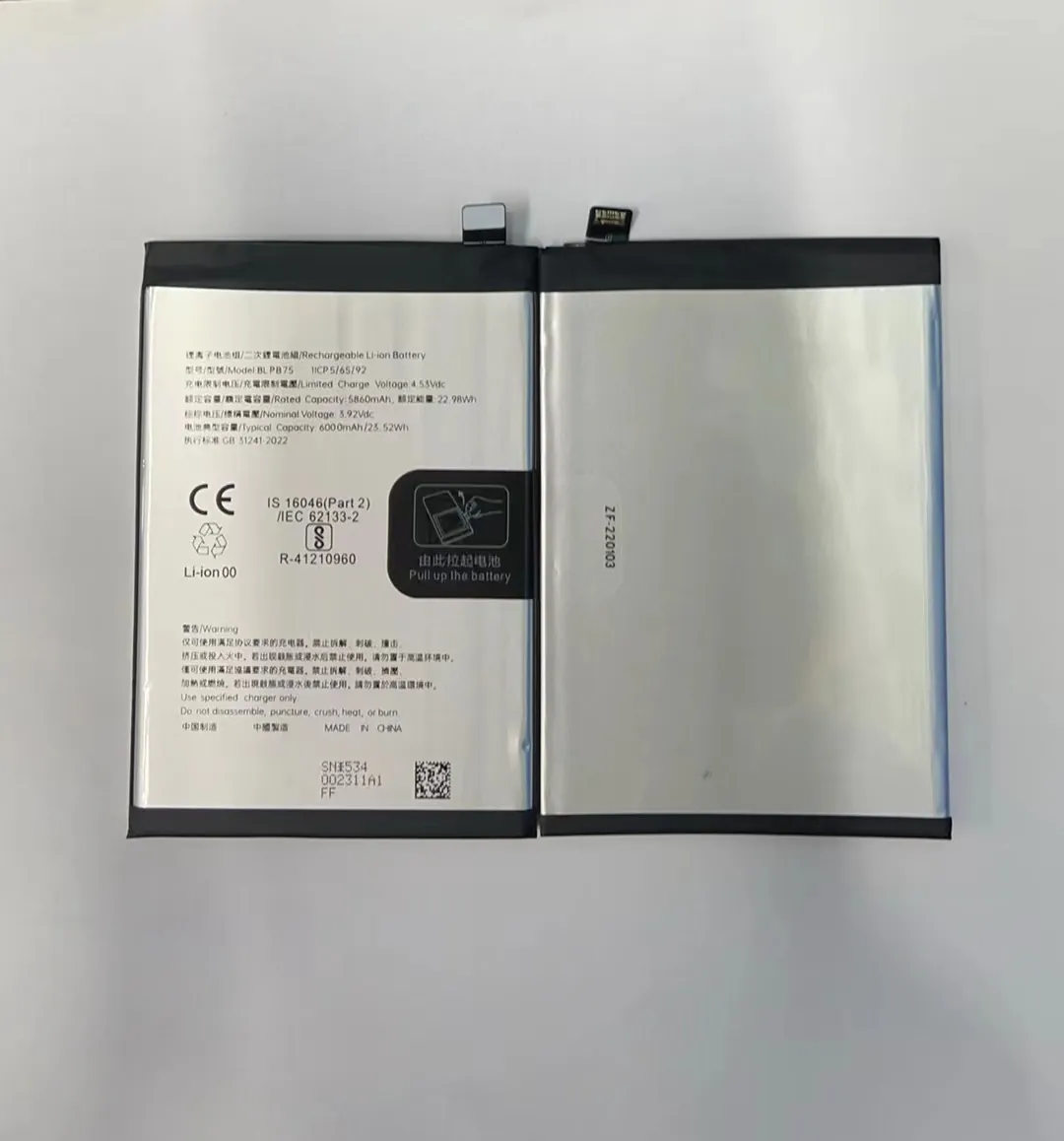
After updates, bugs may stop certain functions from shutting down. For example, the GPS or CPU might stay active even when apps are closed.
- Battery drops quickly even when idle.
- Device heats up in standby.
- Apps crash or lag.
- Battery stats show no major app, but usage is still high.
These are signs that something is wrong behind the scenes. It’s not the battery—it’s how the phone is using it.
What to do
- Restart the device—it resets background processes.
- Clear system cache (Android).
- Check for app updates.
- Reinstall suspicious or misbehaving apps.
- Update to the latest OS version or patch.
If problems continue
Consider a factory reset only if:
- Issue started after a major OS update.
- No specific app is to blame.
- You’ve tried all other fixes.
Make sure to back up your data first. Sometimes a clean slate fixes power management problems caused by hidden bugs.
Conclusion
A fast-draining battery doesn’t always mean it's damaged. It's often due to background apps, poor signal, or simple settings. Fixing these can make your battery feel new again—without replacing anything.
