
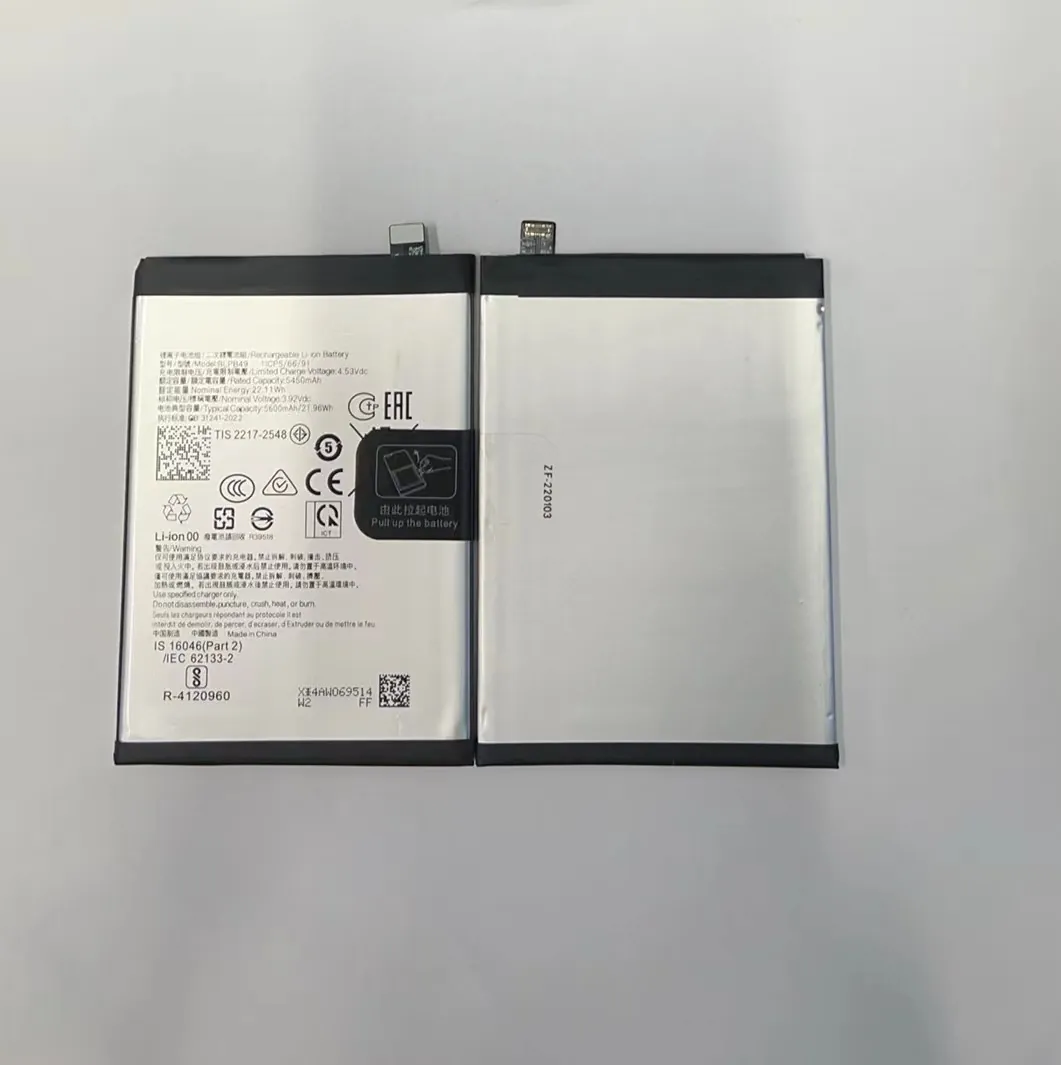
A phone battery that drains fast can be frustrating. You may charge it overnight, then watch the percentage drop before lunchtime. This feels worse when you rely on the phone all day.
Fast battery drain usually links to apps, settings, battery age, and how you charge your device.
I have seen many phones with similar problems. Most causes are not hidden or mysterious. You can find them by checking simple things first and fixing them to see real improvement.
What causes rapid battery drain in phones?
Battery drain happens when your phone uses more power than expected. This can come from how the phone works, what you install, and how often you use features that need lots of energy.
Rapid battery drain comes from power‑hungry apps, screen brightness, wireless connections, and heavy phone use that all add up faster than the battery can recharge.

Several common causes explain fast battery drop:
Screen use and brightness
The display is often the largest power user on a phone. A bright screen, long screen‑on times, and frequent wake events can drain battery quickly. Turning the brightness high all the time adds a lot of load.
Wireless and connectivity
Wi‑Fi, Bluetooth, GPS, and mobile network radios all use power. If your phone is in an area with weak signal, it uses extra energy to find and hold a connection. Always‑on connections mean the battery never gets a real rest.
Apps running hard
Some apps work constantly in the background or use heavy resources like video, cloud sync, or location tracking. These apps keep the processor and radios active, which uses battery even if you are not looking at the phone.
Notifications and sync
Each alert wakes the screen and checks for new data. Frequent push notifications and automatic syncs for email, photos, and backups mean the phone works more often than you expect.
Poor network conditions
In areas with weak cellular signal, the phone uses more power to find or hold the connection, which saps battery life much faster than in strong signal areas.
Here is a simple table showing major causes and their battery impact:
| Cause | Battery Impact | How to Check |
|---|---|---|
| Bright screen | High | Lower brightness |
| Apps in background | High | Check battery usage |
| Weak signal | Medium‑High | Look at signal bars |
| Location services | Medium | Turn GPS off when unused |
| Frequent notifications | Medium | Turn off non‑essential alerts |
These causes are common and often fixable. Checking them one by one helps you find the biggest battery drain source on your phone.
How does background activity affect battery life?
Background activity means tasks that run even when you are not using the phone screen. Apps keep updating, checking messages, and syncing data. Each of these tasks uses CPU and network power, which draws battery.
Background activity uses battery every time an app wakes up to check, sync, or run tasks, even if you are not actively using the phone.

Phones keep essential apps running all the time, but many apps also run by default even when you don’t need them. This adds up to a lot of hidden battery use.
What background activity includes
Background activity often includes:
- Email sync
- Social media updates
- Weather updates
- App refresh
- Location tracking
- Cloud backups
Every time these services check for data, the phone uses power.
How to see which apps use background battery
Most phones let you check battery usage:
- Open battery settings.
- Look at apps listed with high battery use.
- See which apps use battery even when not on screen.
If you see apps you do not use often but still drain a lot of battery, they may need limits.
How to limit background activity
You can reduce background drain by:
- Turning off background refresh for individual apps.
- Restricting data access for apps you do not need always connected.
- Turning off location access when not needed.
- Closing apps that run too often in the background.
Impact of background activity
When many apps run background tasks all day, battery life can shrink by hours. Even small checks repeated often add up to significant power use. Cutting unnecessary background tasks gives your phone fewer wake events and more idle time when the battery is not stressed.
Here is a simple comparison:
| Setting | Expected Battery Impact |
|---|---|
| Background refresh on | Higher drain |
| Background refresh off | Lower drain |
| Location always on | Higher drain |
| Location off when not needed | Lower drain |
Reducing background activity helps the phone rest more. The phone uses power only when you interact or when essential services need it.
Could battery age be the main problem?
Batteries do not stay new forever. Each charge cycle slowly reduces how much power a battery can hold. This means that over time, even a fully charged battery will not last as long as it did when the phone was new.
Battery age can make fast drain worse because older batteries hold less charge and show faster drops in percentage especially under load.

As batteries age, their capacity shrinks. This is normal for lithium‑ion cells, which lose a bit of capacity each cycle. A battery at 80% health will not last as long as it did when it was new. Many phones show a “battery health” metric in settings, which tells you how much capacity remains.
Signs of aged battery
You may have an old battery if:
- The phone dies suddenly at moderate charge.
- Battery percent jumps quickly from one number to another.
- The phone gets hot while charging or using heavy apps.
- Battery health shows lower maximum capacity.
Each of these signs points to reduced capacity and efficiency.
Why age affects drain
An old battery cannot store as much energy, so it runs out faster under the same load. Apps and tasks that used to run through a day now stress the battery more. This makes fast drain feel worse than before.
What you can do about it
When age is the main cause, you have fewer software fixes. Your options include:
- Reducing heavy use to stretch charge.
- Replacing the battery if possible.
- Checking battery health metrics in settings.
Here is a small comparison of different battery conditions:
| Battery Health | Expected Daily Life | Notes |
|---|---|---|
| ~100% | Full day | New or healthy |
| ~80% | Reduced life | Common after 1–2 years |
| <70% | Poor life | Consider replacement |
| <50% | Very poor | Bad performance |
Older batteries need more frequent charges. Aged cells also run hotter, which increases wear and makes fast drain more noticeable.
Is poor charging behavior reducing battery health?
How you charge a phone does affect long‑term battery health. Many common charging habits speed up wear without people realizing it.
Poor charging behavior like frequent deep discharges, constant 100% charging, high heat while charging, and cheap chargers can weaken battery health and make fast drain worse over time.

Charging habits make a difference because lithium‑ion batteries age faster under certain conditions.
Common bad charging habits
- Charging to 100% and keeping it there.
- Letting the phone drain to near 0% often.
- Using cheap or uncertified chargers.
- Charging in high temperatures like on a bed or under a pillow.
- Using the phone heavily while charging.
Why these habits hurt battery
- Charging to full all the time stresses the battery at high voltage.
- Deep discharges put strain on cell chemistry.
- Cheap chargers may supply unstable current.
- High heat speeds up chemical wear inside the battery.
These factors make the battery age faster, reducing capacity and increasing drain.
Better charging habits
Here are protective charging habits:
- Try to keep the battery between ~20% and ~80%.
- Stop using heavy apps while charging.
- Use original or good‑quality chargers.
- Avoid charging in high heat.
Charging habits do not fix old battery issues, but good practices slow down future wear.
Charging behavior and battery health table
| Charging Habit | Health Impact | Better Practice |
|---|---|---|
| 0–100% cycles often | Higher wear | Partial charges |
| Always 100% full | Higher stress | Stop near 80% |
| Cheap chargers | Possible harm | Use quality charger |
| Charging while hot | Worse aging | Cool charging area |
Charging behavior is part of the long‑term story. Better charging slows down age and reduces fast drain caused by poor battery health.
Conclusion
Fast battery drain usually has multiple causes. Background activity, heavy screen use, weak signal, battery age, and poor charging habits all add up. Finding and fixing these issues step by step gives you a clearer picture and better battery life over time.
