

I know many people feel stressed when they see their phone battery drop fast after they turn on a mobile hotspot. I have seen this many times during my work and during travel.
A phone loses battery fast when it works as a mobile hotspot because the phone must keep radios active, manage data traffic, and handle heat at the same time. This workload drains more power than normal use.
I want to explain this clearly, so you understand what is happening inside your phone and how you can control the battery drain.
What causes hotspot power drain?
I know it feels confusing when the hotspot drains the battery faster than streaming videos or browsing. Many people turn on the hotspot only for a short moment, but they still watch the battery drop very fast.
A hotspot drains power because the phone must run Wi-Fi and mobile data together, manage network sharing, and work under constant load, which forces the battery to supply more energy.

When I explain this to customers, I always break the idea into simple parts. A hotspot is not a normal Wi-Fi connection. A hotspot works like a small router, so the phone needs to move data from mobile data to Wi-Fi. This job needs extra power.
How the phone works during hotspot
The phone must keep the mobile data modem active. The phone also keeps the Wi-Fi transmitter active. Both radios stay awake for long periods. The processor stays busy because it handles many requests at once. The battery keeps sending power without rest.
Main power-drain sources
| Component | What it must do | Why it uses more power |
|---|---|---|
| Mobile data modem | Pulls data from carrier | Works nonstop during tethering |
| Wi-Fi radio | Sends data to other devices | Always active when hotspot is on |
| CPU | Routes data between radios | Works harder under load |
| Battery | Supplies constant power | No idle periods |
Why heat makes it worse
Heat builds up fast when the phone works this hard. The battery becomes less efficient at higher temperatures. The phone raises power use to cool itself or slow down parts to protect the system. I have seen many phones drop from 100% to 80% in less than 40 minutes when the hotspot runs in a hot environment.
How do devices affect battery use?
I know many people think only the phone itself matters, but connected devices also change the drain. Some customers tell me the hotspot drains slow one day and fast the next day. The reason is often the number of connected devices and what they are doing.
More devices drain the hotspot faster because the phone must handle more data, keep radios active longer, and manage more network tasks at the same time.

I often do simple tests with customers who want to understand this. When only one device is connected, the battery drain feels normal. When three devices connect, the drain becomes much faster.
Device count and workload
When more devices connect, the phone handles more requests. Each device sends and receives data. The phone must keep the Wi-Fi radio active with no breaks. The CPU works harder to route data. The mobile network must supply enough signal for all traffic.
How connected devices change the load
| Number of Devices | Estimated Power Demand | Typical Usage Scenario |
|---|---|---|
| 1 | Low to medium | Browsing or email |
| 2–3 | Medium to high | Streaming or downloads |
| 4+ | Very high | Mixed heavy use |
Device behavior also matters
A device that streams video uses more data than a device that checks email. I often see customers forget that even idle devices stay connected and send background traffic. Each small request keeps the hotspot alive and prevents the phone from resting.
Heavy tasks increase drain
Some apps on connected devices make the phone work harder. Video calls, cloud backups, and large downloads drain the hotspot very fast. I always remind people to check what their devices are doing before blaming the phone battery.
Why does tethering increase load?
I know many people believe tethering is simple, but the phone must do more than people think. It must act like a gateway. It must manage a flow of data between the mobile network and connected devices.
Tethering increases load because the phone handles multiple network layers at once, runs extra radios, and processes data constantly without idle time.
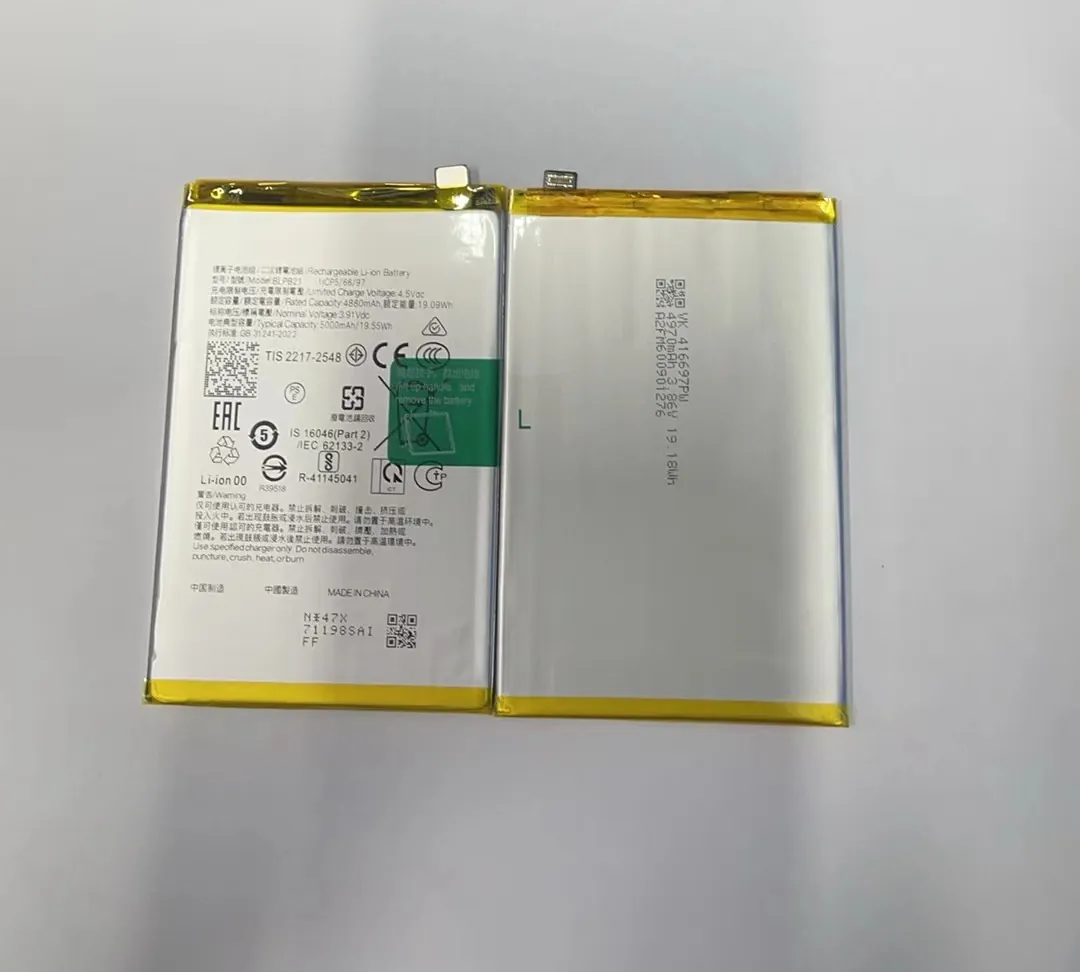
When I work with repair shops, I explain tethering in very simple steps. The phone is not only sending and receiving data. It is also translating and forwarding. This job never stops while the hotspot is active.
What the phone must do during tethering
The phone takes data from the mobile network. The phone processes it into Wi-Fi packets. The phone sends those packets to other devices. The same thing happens in the other direction. This two-way flow creates a heavy and steady load.
Three main processing tasks
1. Network translation
The phone translates mobile network data into Wi-Fi data. This process uses CPU cycles and keeps the processor active.
2. Signal boosting
When signal is weak, the phone must boost power to hold the mobile connection. This makes the drain even higher.
3. Routing
The phone must decide where each packet goes. This seems small, but at high speed it becomes heavy work.
Why tethering feels heavier than streaming
When you stream a video on your phone, the phone works only for you. When you tether, the phone works for other devices. It handles tasks in both directions. This makes the phone do more work than it does during normal use.
Which settings reduce hotspot drain?
I know many people want simple ways to keep the battery from dropping too fast. The good news is that several settings can reduce the load. These changes do not stop the hotspot from working, but they make the phone work less hard.
You can reduce hotspot drain by limiting connected devices, lowering hotspot power, using low-bandwidth modes, and keeping the phone cool while sharing data.

I share these tips with customers all the time, especially those who use hotspots for work. A few simple steps make a big difference.
Practical settings you can adjust
Lower hotspot band
Many phones allow switching between 2.4 GHz and 5 GHz. The 2.4 GHz band uses less power. It is slower, but it helps the battery.
Limit devices
Most hotspot menus let you set a device limit. If you keep the limit low, the phone works less.
Turn off high-speed modes
Some phones have “maximum performance” hotspot modes. They drain the battery fast. Standard mode is enough for most tasks.
Other simple tips that help battery life
- Keep the phone cool. Heat makes the battery drain faster.
- Use a stable mobile signal. Weak signal uses more power.
- Put the phone on a hard surface. This helps heat move away.
- Plug in the phone if possible. This keeps the battery stable.
| Setting | Why It Helps | What to Adjust |
|---|---|---|
| Wi-Fi band | Uses less radio power | Switch to 2.4 GHz |
| Device limit | Reduces CPU load | Set limit to 1 or 2 |
| Power mode | Slows heavy tasks | Enable battery saver |
| Brightness | Screen drains power too | Lower brightness |
Many customers tell me these small steps help them use the hotspot for longer periods without draining the phone too fast.
Conclusion
A phone loses battery fast when it works as a hotspot because it must run extra radios, handle many network tasks, and manage heat. With the right settings and habits, you can reduce the drain and use the hotspot longer.
