

I know many people feel stressed when their Samsung phone battery drains fast. I meet this problem almost every day in my work.
A Samsung mobile phone battery normally lasts about 2 to 3 years. Most Samsung cells keep good capacity for 500 to 800 charge cycles when users follow healthy habits.
I want to explain this in a simple way, so you can protect your battery and keep your phone running well for a long time.
What affects long-term lifespan?
I notice many people feel confused when they see two Samsung phones of the same model but with different battery health. I understand the reason after many years of testing cells.
The long-term lifespan of a Samsung battery depends on heat, charge cycles, charging habits, usage style, and storage level. Each stress lowers its total capacity and damages its health.

When I started learning battery testing, I saw clear patterns. One user treated the phone well and kept steady health for years. Another user played games while charging and left the phone inside a warm car. That battery failed early. These habits matter more than people think.
How different factors change lifespan
Samsung lithium-ion and lithium-polymer cells are stable, but they react to stress. I want to explain each main factor so you can avoid early aging.
Heat as the main stress source
Heat speeds up chemical decay inside the cell. When the phone gets hot, the internal layers grow thicker. This raises resistance and makes the phone drain faster.
Charging habits that matter
Fast charging creates short heat spikes. Deep discharge below 10% also hurts the lithium layers. Keeping the phone at 100% for long hours adds more stress.
Usage style and load
Heavy apps heat the phone and push the battery. Long screen-on time also warms the cell. This heat adds up day after day and affects lifespan.
Table: Key factors that affect Samsung battery lifespan
| Factor | Impact Level | Notes |
|---|---|---|
| Heat | Very High | Creates chemical decay |
| Charge cycles | High | Capacity drops with each cycle |
| Fast charging | Medium | Short heat spikes |
| Deep discharge | Medium | Stresses lithium layers |
| Storage level | Medium | Best at 40–60% |
I see these factors in almost every battery test. When users improve these habits, I see lower return rates and better long-term performance.
How do cycles wear Samsung cells?
Many people think cycles only count when the phone goes from 0% to 100%. This is not true.
A Samsung battery wears a little after each cycle. One full cycle means using 100% total charge, even if it happens across many small charges. Most Samsung cells show clear wear after about 500 cycles.

I explain cycles to my customers using a simple idea. If you use 40% today and 60% tomorrow, that is one full cycle. It does not matter if you charge from 20% to 60% or 60% to 100%. The phone counts full usage, not the number of times you plug in the charger.
Why cycles reduce capacity
Every charge moves ions between the anode and the cathode. Some ions get stuck over time. They do not return to active use. When this happens, the battery loses a small amount of capacity.
Internal layers get thicker
The battery forms layers inside as it ages. These layers grow thicker with each cycle. They block ion movement and reduce the stored energy.
Rise in internal resistance
After many cycles, resistance goes up. The battery struggles during heavy tasks. The phone may turn off even when the percentage looks normal.
Table: Cycle count vs. expected health
| Charge Cycles | Expected Battery Health |
|---|---|
| 0–200 | 90–100% |
| 200–400 | 80–90% |
| 400–600 | 70–80% |
| 600+ | Below 70% |
I see many Samsung phones with more than 600 cycles showing fast drain and warm body temperature. At this point, replacement is the best choice. But if users avoid deep discharge and keep cycles low, the battery stays strong for a longer time.
Why heat accelerates aging?
Heat is the main enemy of phone batteries. I see heat damage more often than any other problem.
Heat speeds up chemical reactions inside Samsung batteries. High temperature breaks the electrolyte, increases resistance, and reduces capacity much faster than normal use.

I once helped a customer who left his Samsung phone on a car dashboard during summer. The battery health dropped from 92% to 80% in a short time. This shows how sensitive lithium cells are to heat.
Why Samsung batteries dislike heat
Heat affects every part of the battery. When it becomes hot, chemical movement becomes too fast. This causes early damage.
Electrolyte breakdown
The electrolyte helps ions move. Heat breaks it down. When it becomes weak, the battery cannot move ions smoothly. Capacity drops.
Gas formation and swelling
High heat creates gas inside the cell. This gas makes the battery swell. A swollen battery is unsafe and must be replaced.
Fast charging and heat build-up
Fast charging creates heat. If users play games or use GPS while charging, the temperature rises even more. This adds stress and speeds up aging.
Why Samsung phones slow down when hot
Samsung phones lower performance at high temperature. This protects the battery. If the phone kept full power under heat, the battery would age much faster.
I always tell users to take off thick cases during heavy tasks, keep the phone away from sunlight, and never charge under blankets or pillows. These simple steps protect the battery from heat stress.
Which signs show declining health?
Many customers ask how they can know if a Samsung battery is getting weak. I look for several clear signs during tests.
The main signs of declining Samsung battery health include fast drain, sudden shutdowns, charging issues, overheating, and swelling. These show that the battery can no longer work as designed.
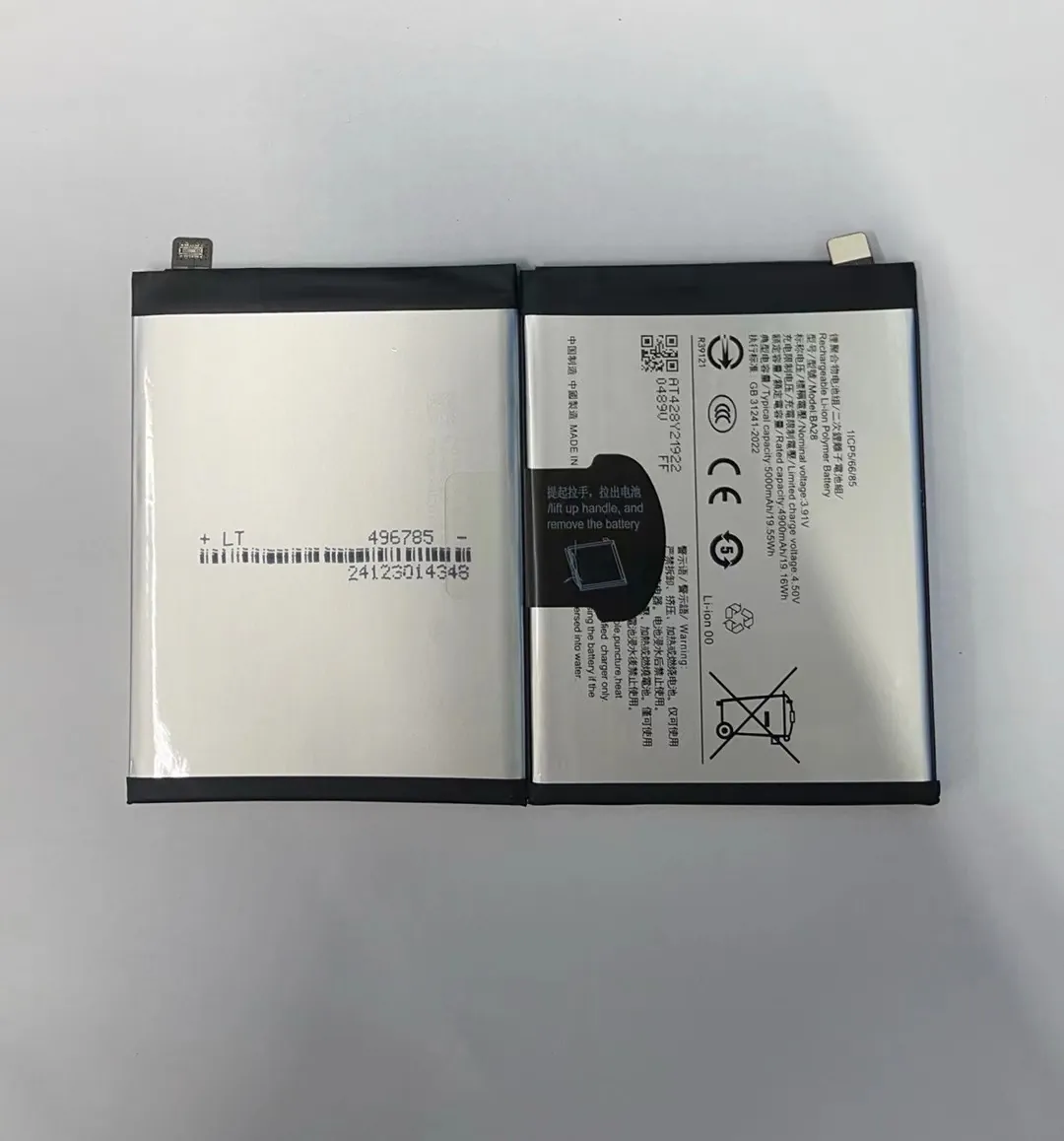
I see these signs again and again when I test phones. Some appear slowly. Others arrive quickly after heavy use or heat damage.
The common early warning signs
Fast drain during normal use
Fast drain means the battery cannot hold full capacity. The phone may lose 20% in a short time. This is an early sign of wear.
Sudden shutdown during heavy load
A worn battery cannot deliver stable power. When the phone needs high power for a task, it may shut down even when it still shows 20% or more.
Slow charging or unstable charging
When the battery ages, it cannot accept power smoothly. The charging speed drops. Sometimes the phone starts and stops charging.
Battery swelling
Swelling is a serious sign. It happens when chemical parts break down. Gas forms inside the cell. The phone may lift the back cover or push the screen.
Heating during simple tasks
If the battery warms up during light use like texting or browsing, it means the internal balance is damaged. This is a common late-stage sign.
Why early action helps
I see many users wait too long. When they replace the battery early, the phone becomes smooth and cool again. Many people think the phone has a motherboard problem, but the battery is the real cause.
Conclusion
Samsung batteries last about 2 to 3 years, but heat, cycles, and habits decide the true lifespan. When users avoid stress and watch for early signs, the battery stays healthy and stable for a longer time.
