

I see many phone users worry when their battery drains fast. This fear grows when a device turns off at random moments.
A mobile phone battery usually lasts between 2 to 3 years before it loses noticeable capacity. Most batteries keep around 80% health after 500 full charge cycles.
I want to help readers understand why batteries age and what they can do to slow this process, so I will break down the key factors in a clear way.
What factors determine battery lifespan?
Many people panic when their battery health drops. This worry becomes stronger when they depend on their phones for work.
Battery lifespan is shaped by temperature, charge cycles, charging speed, and the quality of the battery cells. These factors decide how fast the battery loses its original capacity.

How temperature affects a phone battery
Heat is the biggest enemy of lithium-ion batteries. I notice this problem often when customers order new batteries because their phones ran hot for many months. High temperature makes the chemical reaction inside the cells faster. This quick reaction sounds good, but it wears out the internal structure.
How battery quality changes long-term use
Some batteries come from trusted factories with stable cells. Others come from workshops that mix parts. I always tell buyers that poor cells degrade faster. A phone may work fine at first, but the capacity drops faster after a few months.
A simple table of main factors
| Factor | How it changes lifespan | Why it matters |
|---|---|---|
| Temperature | High heat speeds aging | Heat breaks inner structure |
| Charge cycles | More cycles reduce capacity | Lithium deposits build up |
| Charging speed | Fast charging raises heat | Heat causes chemical stress |
| Cell quality | Better cells hold capacity longer | Stable materials resist damage |
Long explanation of lifespan drivers
I want to slow down here and go deeper because many readers only see short tips online and do not understand why these issues matter. I learned this from many years of working with batteries and talking with repair shops every day.
A lithium-ion battery works by moving ions between two layers. This movement is smooth when the battery is new. As time passes, the layers get coated with small particles. These particles appear because every charge cycle leaves tiny traces. This layer becomes thicker when the phone gets hot, when the user charges the phone too fast, or when the battery sits at 100% for long hours. The thicker the layer, the harder it becomes for ions to move. This slow movement means the battery cannot hold the same amount of energy, so capacity drops.
I often receive messages from users who think their battery died suddenly. In reality, most batteries follow the same path. They lose a little capacity each month. Some phones show the percentage clearly. Others hide this number, so users only notice when the runtime becomes shorter.
Causes that increase aging
I break them down clearly:
- High temperature from games or direct sunlight
- Fast charging for many hours every day
- Using cheap charging cables
- Leaving the phone at 100% overnight
- Allowing the phone to reach 0% often
When these factors add up, the battery lasts much shorter. I once tested two phones from the same batch. The user of the first phone charged slowly and avoided heat. The second user kept the phone in the car under sunlight. After one year, the first phone kept 94% health. The second phone dropped to 78%. This shows how daily habits decide lifespan.
How do charging habits influence longevity?
Some users feel confused when their battery drains fast. They blame the phone maker, but habits play a big role.
Good charging habits slow battery aging. Slow charging, partial charging, and avoiding long hours at 100% help keep capacity higher for a longer time.
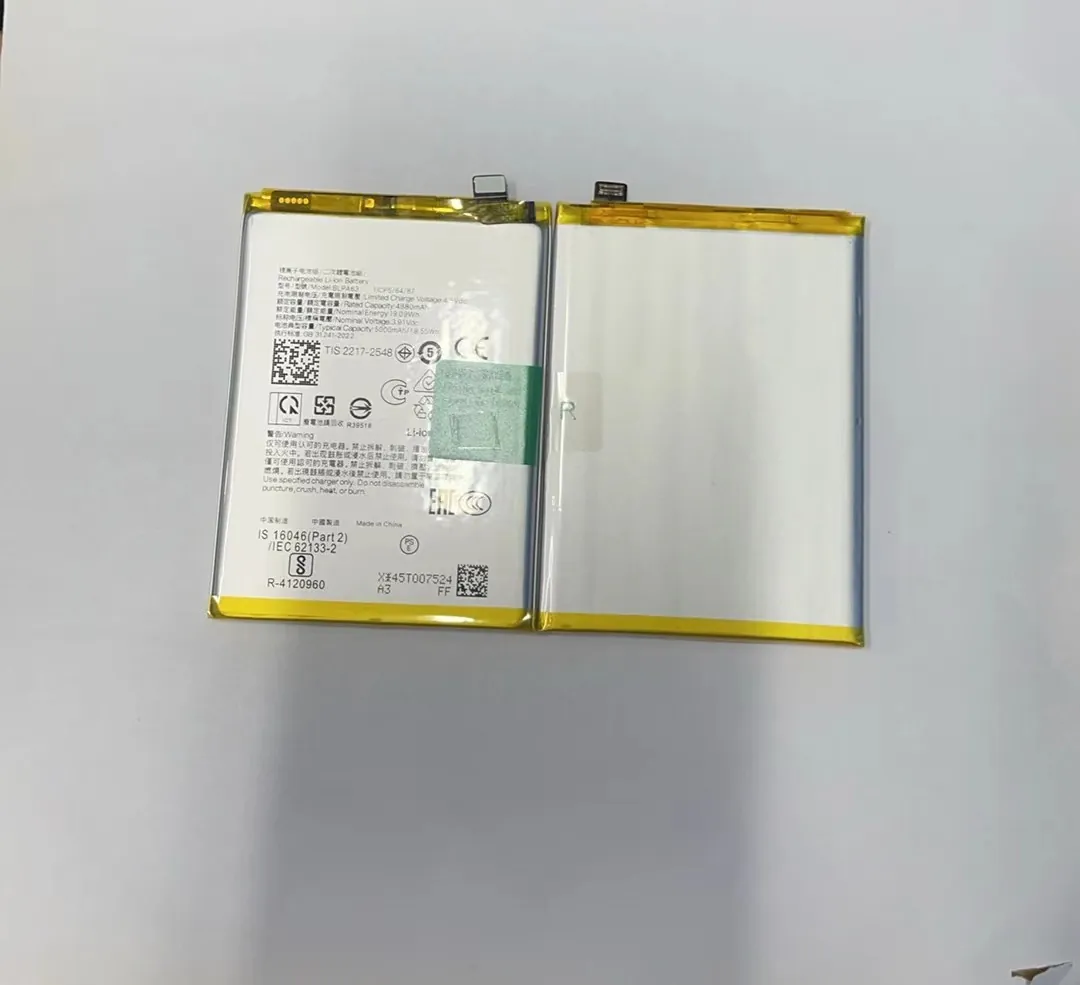
Why slow charging helps
Slow charging creates less heat. Less heat means less stress. I often tell buyers that heat is like rust inside a battery. It appears slowly but cannot be removed once formed.
Why partial charging works better
Many people think they must charge to 100% each time. In reality, battery cells prefer staying between 20% and 80%. This range puts less pressure on the materials inside. When someone charges to 100% and keeps it full for hours, the internal stress stays high.
Table: Good vs. bad charging habits
| Habit | Effect | Recommendation |
|---|---|---|
| Overnight charging | High stress at 100% | Stop at around 80–90% |
| Fast charging always on | More heat | Use slow charging often |
| Using cheap chargers | Unstable current | Use certified chargers |
| Charging in hot room | Faster aging | Charge in cool place |
Deeper look into charging behavior
I now want to explain charging habits with simple language because many users get mixed advice online. Lithium-ion batteries do not like extremes. They do not like to be empty, and they do not like to be full. They like the middle zone.
When you charge too fast, the ions inside the battery move very quickly. This speed creates heat. Heat creates pressure. Pressure damages the internal layers. This damage is permanent. This is why phones that use fast charging every day show faster battery wear.
I tested this myself. I charged one phone at 5W for a week and the same model at 65W for a week. The temperature of the fast-charging phone stayed high for a long time. After a few months, its capacity dropped faster. This shows a simple truth: small things add up.
Some people ask me if wireless charging is safe. Wireless charging is safe, but it produces more heat. If someone uses wireless charging every day for long hours, the battery will age faster compared to cable charging.
Why do cycles reduce capacity?
Many people get confused when they hear the word “cycle.” They think it means charging from 0% to 100% only.
A charge cycle is one full use of 100% capacity, and each cycle makes the battery lose a tiny amount of life. After 500 cycles, most batteries keep around 80% capacity.
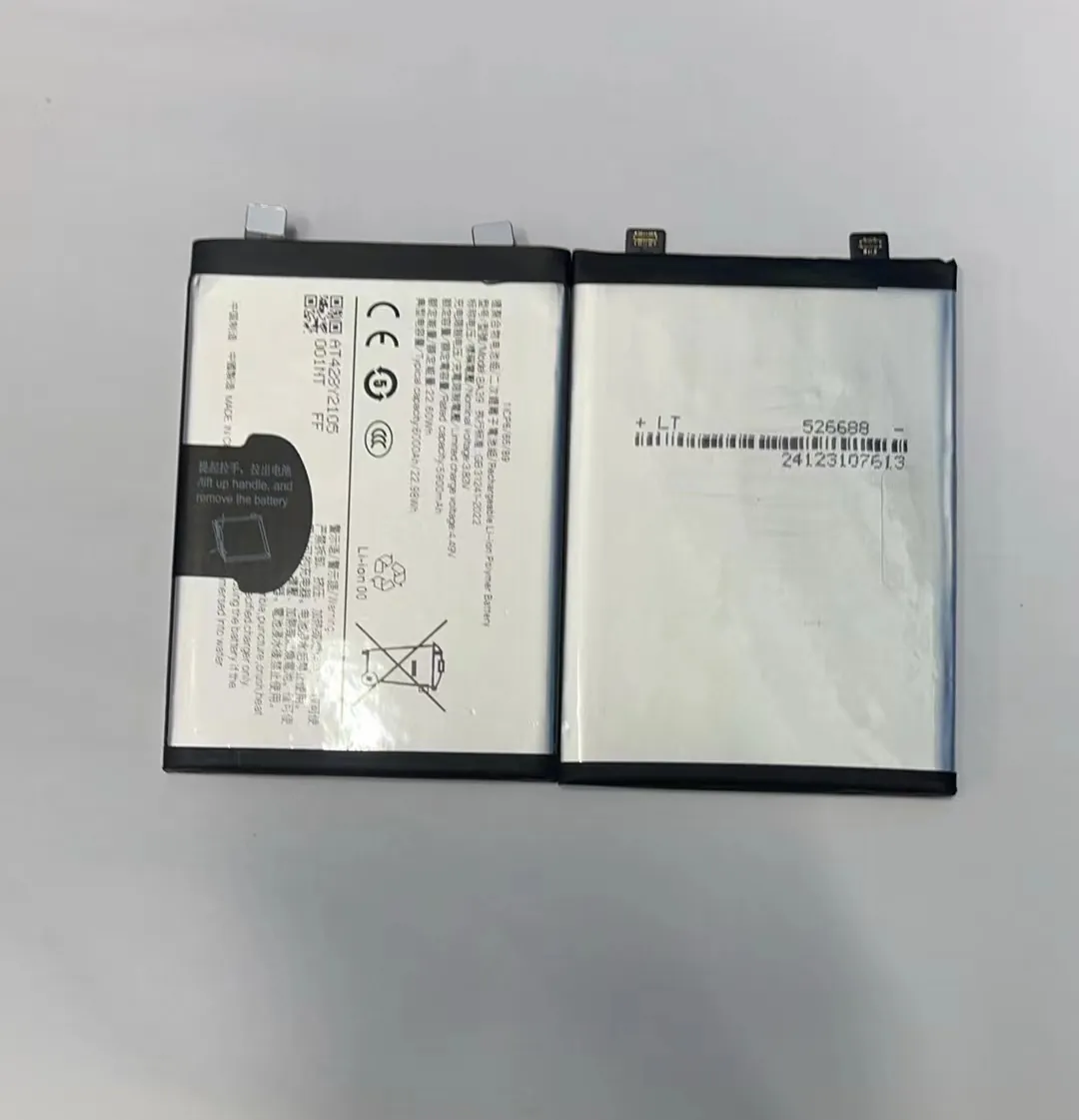
What a cycle really means
A cycle does not have to be one single charge from 0 to 100. For example, if you use 40% today and charge back to 100%, then use 60% tomorrow, these two days add up to one cycle.
Why cycles wear down the battery
Every cycle leaves small chemical traces inside the battery. These traces block ion movement. The more cycles a battery has, the more blockage forms, and the harder it becomes for the battery to store energy.
Cycle wear explained step by step
I want to explain this more deeply because many users think cycles are a sign of a defective battery, but they are not. Cycles are normal.
When the battery discharges, ions move to one side. When it charges, they move back. This movement creates small bits of leftover material. These leftovers create a thin layer called SEI. The SEI layer protects the battery at first, but when it grows too thick, it blocks ion flow. Thick SEI means low capacity.
I often check old batteries from repairs. The pattern is almost always the same: high cycle count, thicker SEI, lower capacity. This is why cycle count is a strong indicator of battery age.
Phones that run hot also form SEI faster. This is why two phones with the same cycle count may show different health.
Practical tips to manage cycles
- Charge in small portions during the day
- Avoid full discharges
- Use slow charging when possible
- Keep the phone cool
These habits help reduce stress per cycle and slow down aging.
Which signs show battery deterioration?
Users often notice changes but cannot tell if the battery is aging or if the phone has a software problem.
Common signs include shorter screen-on time, sudden drops in percentage, slow charging, overheating, and unexpected shutdowns.

The most visible signs
Shorter runtime is the first sign. You may charge your phone to 100%, but it drops to 80% quickly. Another sign is when the phone turns off at 20% or 15%. Many shops message me asking if this means the motherboard is faulty. Most times it is the battery.
Hidden signs that users ignore
Some phones start charging slower because the battery resists the charge. Others get warm even during simple tasks. Some show battery health in settings. When this number drops below 80%, performance starts to drop too.
Deeper analysis of deterioration symptoms
I want to break down each symptom so readers can understand what is happening inside the battery.
When the battery ages, the internal resistance becomes higher. High resistance forces the phone to use more power to perform the same task. This is why the phone drains fast even with light use. When resistance becomes too high, the phone shuts down because the battery cannot deliver the needed power instantly.
Sudden drops are another classic symptom. This happens because the battery can no longer track the real charge level. The internal meter becomes inaccurate. The phone thinks there is 20% left, but the actual capacity is lower, so it turns off.
Overheating is also a common sign. A weak battery works harder to deliver power, which creates heat. Heat makes the battery age even faster, which creates a cycle.
Slow charging can appear as well. When a battery ages, the phone limits charging speed to protect it. Many users think the charger is broken, but the battery is the cause.
When replacement is necessary
If the phone turns off randomly, runs hot often, or drops more than 20% in a few minutes, it is time to replace the battery. A fresh battery brings stability back to the device.
Conclusion
A phone battery lasts longer when the user keeps it cool, avoids full charges, and controls fast charging. Small daily habits decide how fast the battery loses capacity.
