

Picture this: your phone dies again before lunch, despite only being unplugged a few hours—frustrating right?
You should consider replacing your phone battery typically after 2–3 years or about 300–500 full charge cycles, or sooner if you see clear signs of degradation.
Let’s walk through the signs, when a battery becomes inefficient, how your usage affects replacement frequency, and whether replacing the battery or upgrading the phone makes more sense.
What are the signs of battery degradation?
Have you noticed your phone acting up? Maybe the battery is letting you down when you least expect it.
Key signs of battery degradation include faster drain, unexpected shutdowns, a noticeable drop in screen‑on time, slow charging or bulging battery.
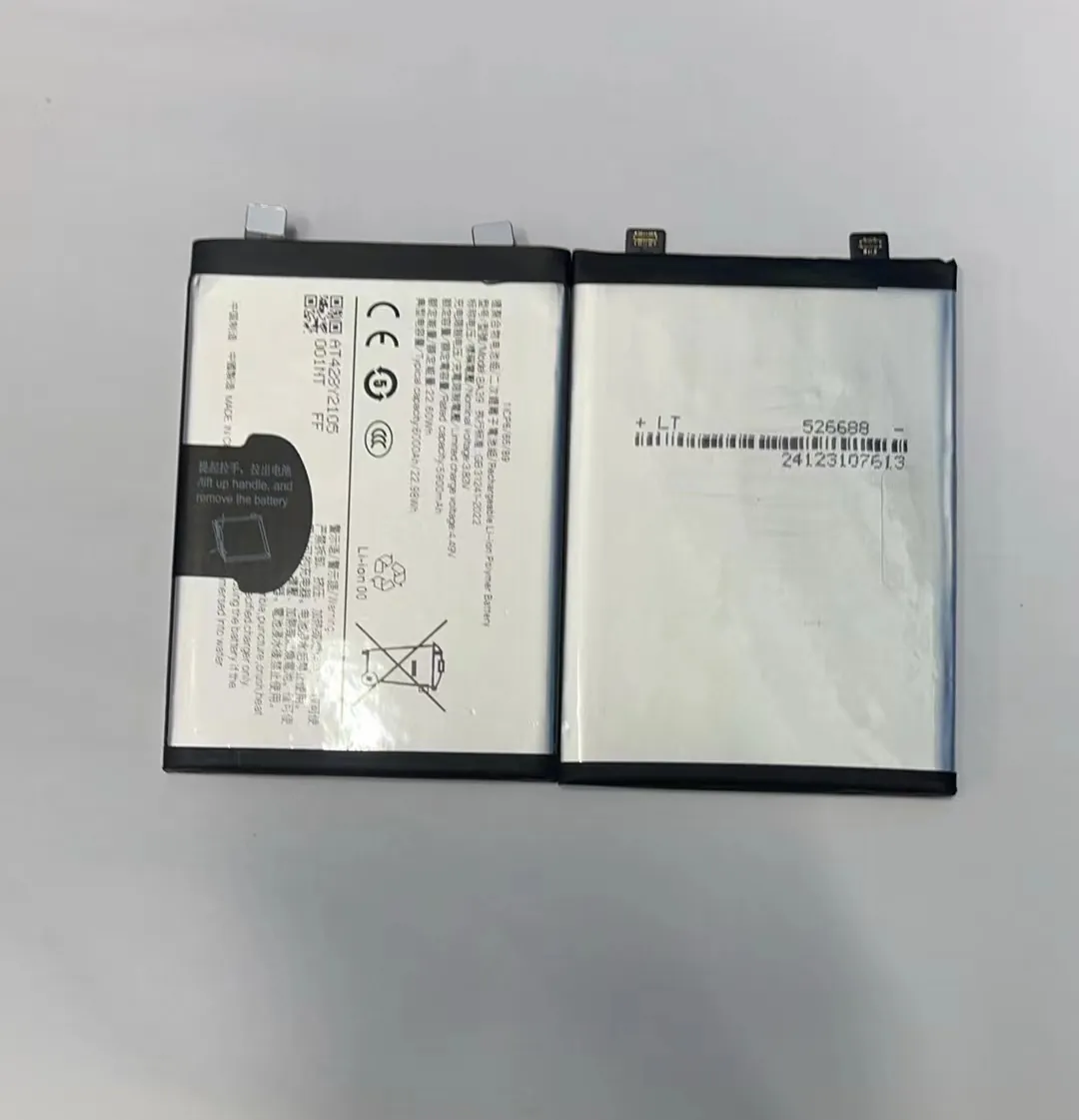
When I monitor my own devices, I’ve learned to recognise a few tell‑tale symptoms that the battery is no longer holding up. Let’s break them down.
What’s battery degradation?
Battery degradation means the battery gradually loses its ability to hold as much charge as when it was new. For modern smartphones using lithium‑ion batteries, this is inevitable. According to one article: “Most modern phone batteries are designed to retain about 80% of their original capacity after 500 complete charging cycles.” The manufacturer Samsung states that batteries are consumables and their lifespan is affected by usage and environment.
Typical signs:
| Sign | What it means |
|---|---|
| Faster drain / doesn’t last as long | The capacity has fallen; you need to charge more often than before. |
| Phone won’t reach 100%, or drops quickly from 100% | The battery’s health is degraded enough that the indicator becomes unreliable. |
| Unexpected shutdowns | The battery can no longer sustain voltage under load and the phone shuts off. |
| Overheating or bulging battery | Physical or chemical damage inside the battery—this is serious and a safety risk. |
| Lagging performance | Sometimes the phone slows because the battery can’t deliver sufficient power for peak load. |
When to act
If your battery health (on an iPhone, for example) drops below around 80% of original capacity the manufacturer signals that replacement is timely. I treat the 80% threshold as a practical rule‑of‑thumb: when you’re under ~80% of original capacity, think about a replacement.
In short: when you recognise multiple of the signs above (especially faster drain + unexpected shutdowns), it’s time to plan a battery replacement.
When does a battery become inefficient?
Have you ever wondered exactly when a battery isn’t doing its job well anymore? That transition from “works okay” to “inefficient” often sneaks up.
A battery becomes inefficient when it can no longer sustain your normal usage without frequent recharges or begins to affect phone performance and reliability.

I like to think of battery efficiency in terms of how well the battery supports the phone in daily real‑world use. Let’s explore more deeply.
Efficiency vs capacity
- Capacity refers to how much charge the battery can hold compared with when it was new.
- Efficiency refers to how well it delivers power when the phone needs it (e.g., during peak loads).
When capacity falls, efficiency tends to degrade too. The battery may sag in voltage under load, causing shutdowns or slowdowns.
Typical lifespan and cycles
Phone batteries usually last about 2–3 years or 300–500 full charge cycles before performance starts to decline noticeably. This matches what many users observe: after around two years of heavy use the battery starts showing symptoms.
Efficiency threshold for replacement
When I assess a phone I ask:
- Does it last a full day?
- Do I charge more than once per day?
- Does it shut down suddenly?
- Has the battery health dropped below 80%?
If yes to any of these, the battery is probably inefficient.
Environmental & usage factors
Efficiency gets worse faster if:
- Used in hot environments
- Charged fully or drained fully often
- Used heavily with games or background apps
“Battery inefficient” means it disrupts your daily use. That’s when replacement becomes practical.
How does usage affect battery replacement frequency?
Your daily habits, environment, and how you charge your phone all influence how soon you’ll need to replace the battery.
Frequent heavy usage, high temperatures, many full charge cycles, and poor charging habits shorten battery life and make replacement sooner.
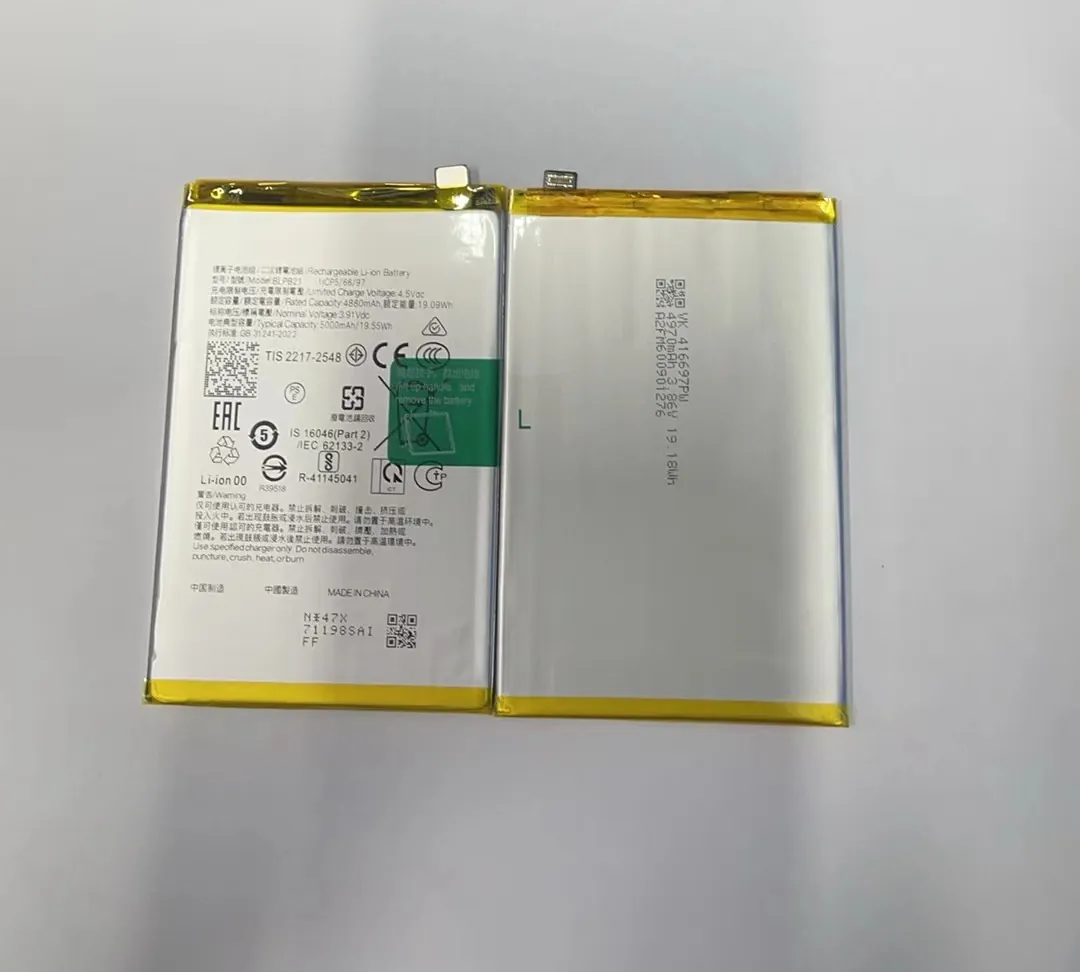
Let me walk you through how usage patterns affect how often you’ll need a replacement.
Usage factors that speed up degradation
| Usage factor | Impact |
|---|---|
| Deep discharge/charge cycles | Each counts toward the battery’s wear budget |
| High current draw | Generates more heat, accelerates wear |
| Charging in hot environments | Heat damages battery chemistry |
| Leaving at 100% for long | Stresses battery more than moderate charge |
| Constant app background activity | More load = more cycles used |
Practical example
If you’re a heavy user—streaming, gaming, using 5G—you may burn through 300 cycles in less than two years. That means a battery replacement might be needed after 1.5‑2 years.
Moderate users—charging once daily, avoiding games and heat—might stretch to 2.5‑3 years.
Estimating replacement frequency
- Light/moderate usage: every ~3 years
- Heavy usage: every ~1.5‑2 years
- Harsh usage or environment: possibly sooner
My tip for care
Keep your charge between 20–80% when possible. Avoid heat. Don’t let it sit at 100% for too long. This won’t stop degradation but it helps slow it down.
Is it better to replace or upgrade the phone?
Once your battery is showing signs of aging, you face a decision: swap the battery or buy a new phone. Which makes more sense?
If the phone is in good shape and meets your needs, replacing the battery is usually more cost‑effective; if the phone is old, slow or lacks features you need, upgrading may be better.

In my work consulting phone repair and parts businesses, I encounter this question a lot. Let me walk you through how I think about it and how I help clients decide.
Consider the condition of the phone
Ask:
- Is the phone physically fine?
- Does it still get updates?
- Does it still meet your needs?
If yes, replacing the battery makes sense.
Cost comparison
Battery replacement is much cheaper than a new phone. If battery is the only issue, replacement is great value.
Environmental and business view
Replacing extends device life and reduces waste. From a business angle, this keeps customers satisfied with minimal cost.
When upgrade makes sense
Upgrade if:
- Phone is older than 3–4 years
- Lacks new features
- Has other problems besides battery
My recommendation chart
| Scenario | Recommended action |
|---|---|
| 1–3 years old, only battery issue | Replace battery |
| 4+ years, slow and missing features | Upgrade phone |
| Battery swelling | Replace immediately or upgrade if cost too high |
| Heavy user, aging battery | Replace now, plan for upgrade later |
Business tip
From a supplier view, we advise clients to offer both options. Keep quality batteries in stock, but don’t ignore the upgrade market when the phones are truly aging.
Final thought
If the phone still does what you need, a new battery is usually all you need. But if it’s becoming obsolete or frustrating, it’s probably time to upgrade.
Conclusion
Track the signs of battery decline and how usage speeds it up. Most users need a battery change every 2–3 years. Make your decision based on condition, cost, and how well the phone still serves you.
