

Sometimes phones just shut down and don’t come back on. You press the button, nothing happens. It’s frustrating. You need your phone, but it seems completely dead.
To charge a dead mobile phone battery, start with a steady power source, use original cables, and let the phone charge for at least 30 minutes without interruption.
When your phone goes completely flat, you need to know more than just plugging it in. There’s a process, and missing one step could delay your phone turning back on.
What methods help restart a completely drained phone?
Some phones just die and stay off. You connect them to a charger, but there’s no sign of life. You might wonder if the battery is really dead, or if something else is wrong.
To restart a drained phone, use a stable power source, original charger, and let it charge uninterrupted for at least 30 minutes. Soft resets or forced restarts can also help.
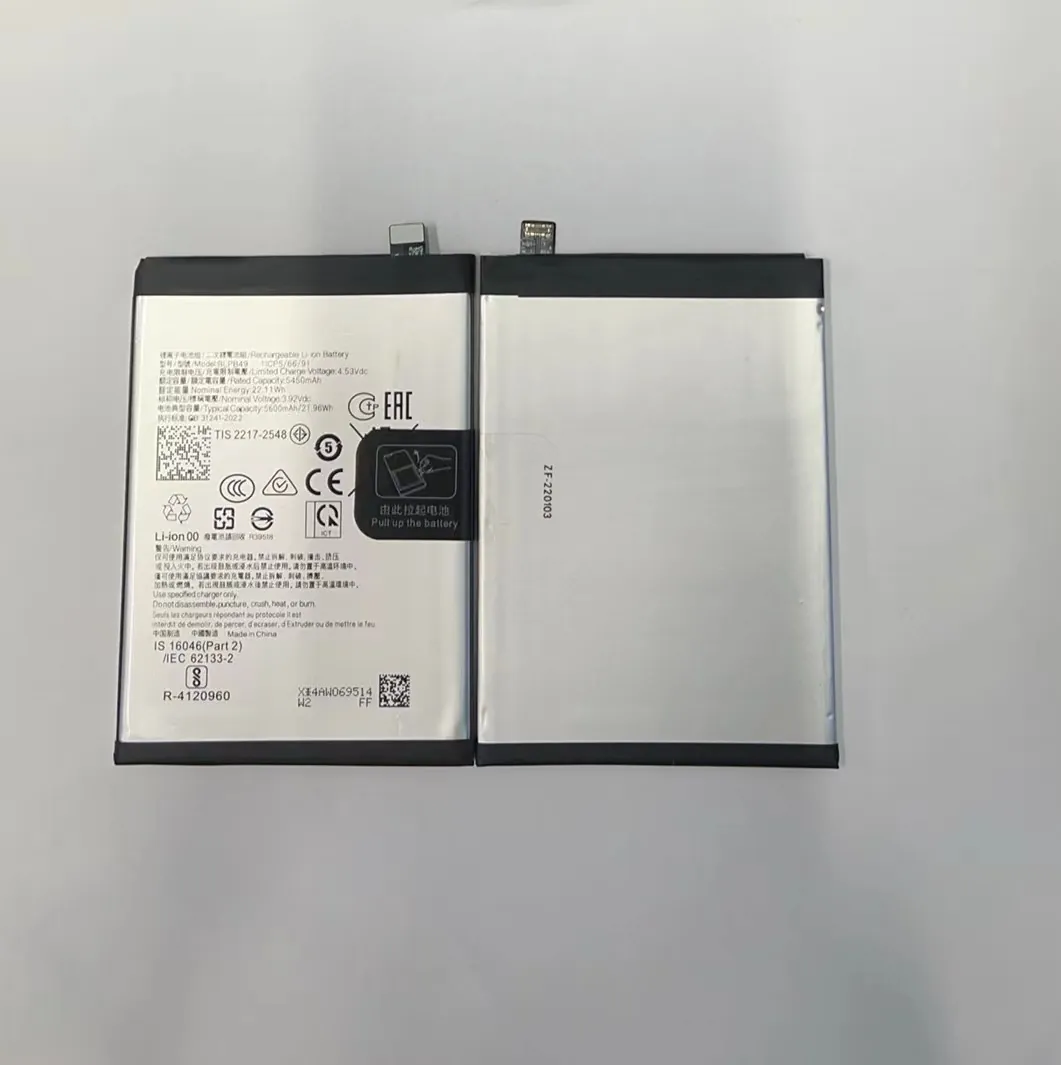
When a phone battery drains below the minimum charge threshold, it needs a consistent current to reactivate. A poor-quality charger might fail to trigger charging. Begin with a wall socket, not a USB port. Avoid wireless chargers initially—they are slower and might not activate a drained battery.
If the screen stays black, perform a forced restart. This varies by model. For iPhones, press and quickly release Volume Up, then Volume Down, then press and hold the Power button until the Apple logo appears. For many Android phones, hold Power and Volume Down for 10-20 seconds.
Common steps to revive a dead battery:
| Step | Action |
|---|---|
| 1 | Connect to wall charger with original cable |
| 2 | Leave charging undisturbed for 30 minutes |
| 3 | Perform a forced restart |
| 4 | If still dead, try another cable or charger |
| 5 | Remove debris from charging port |
A drained battery sometimes needs warmth. Not heat, just room temperature. If it’s cold, warm it gently in your hands or a pocket. Cold batteries resist charging.
Some phones enter "deep discharge mode." In this state, the battery needs time to stabilize. Don’t panic if there’s no response at first. Wait.
Can using a power bank jump-start a dead phone?
Many people reach for a power bank when there’s no electricity. But can it revive a phone that seems totally dead?
Yes, a power bank can restart a dead phone, but only if it provides stable and sufficient output—ideally 5V/2A or more.

Not all power banks are equal. Some low-quality ones don’t provide the steady current required to kickstart a dead battery. A good power bank mimics a wall charger. It needs to detect the phone and deliver constant output, especially during the first few minutes.
Recommended power bank specs:
| Feature | Specification |
|---|---|
| Voltage | 5V stable |
| Current | Minimum 2A |
| Output ports | At least one fast-charging port |
| Cable compatibility | Use short, original cables |
Avoid cheap cables. Resistance in the cable affects charging, especially when the battery is completely drained. Use cables shorter than 1 meter for better efficiency.
If the power bank has auto-off when no power draw is detected, it might shut down before the phone begins charging. In this case, use a charger with a manual power switch or a small light device to keep it on.
Some newer power banks have "trickle mode" or "low current charging." Turn this off. Your phone needs a stronger push at the start.
How long should you charge a dead battery initially?
Many users get impatient. They plug the phone in, wait two minutes, and expect a screen. When nothing shows, they unplug and try something else.
Charge a dead battery for at least 30 minutes continuously. Some phones take longer before showing any signs of life.
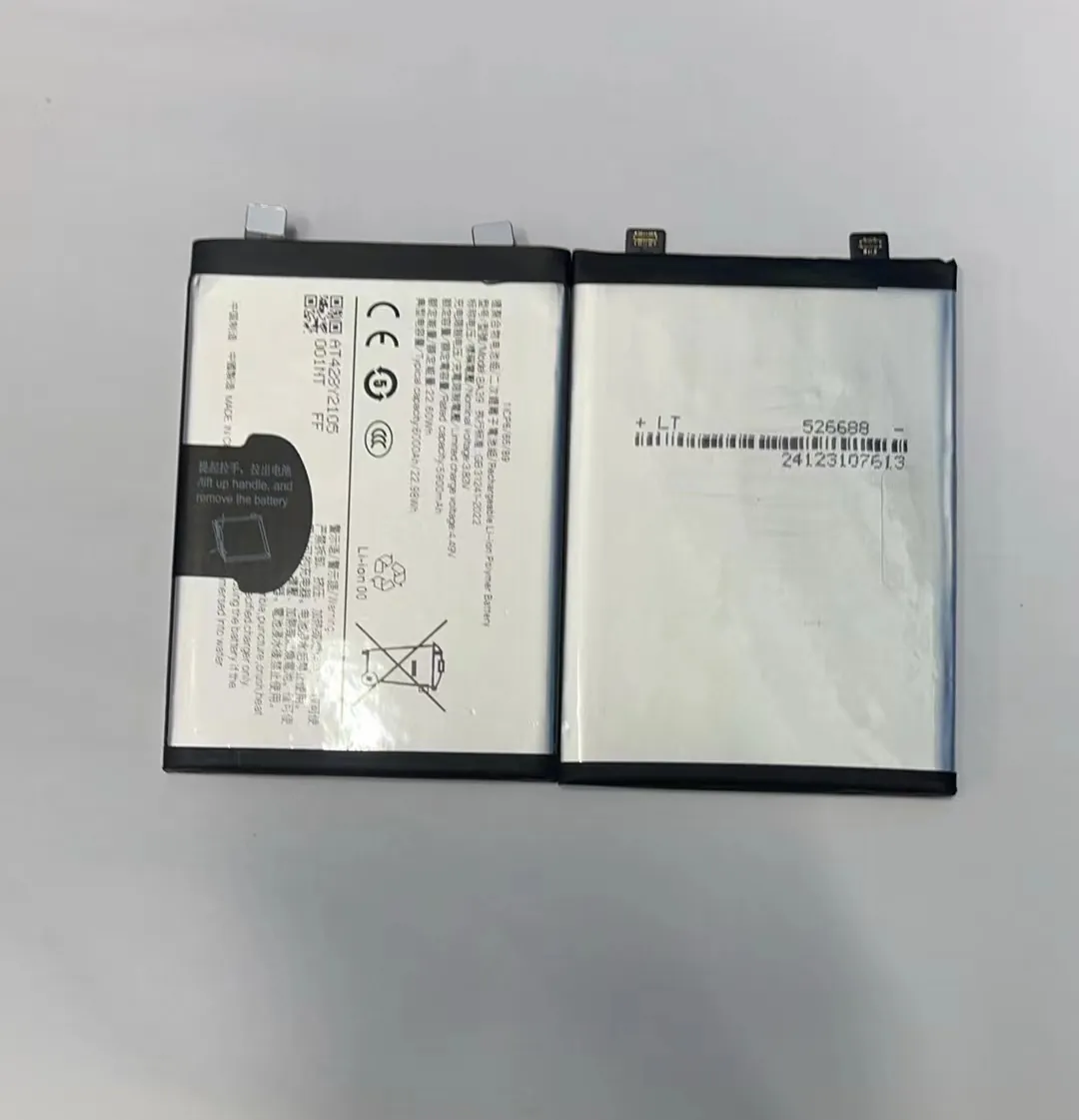
Phones with lithium-ion batteries have protection circuits. These prevent the battery from charging if it's deeply discharged. It takes time to bring the voltage back up before the phone even turns on.
If you interrupt this process, the battery never gets the chance to recover. That’s why uninterrupted charging is important. Set the phone down. Don't touch it. Don’t press buttons.
Battery recovery behavior by brand:
| Brand | Avg. Wake-up Time | Notes |
|---|---|---|
| iPhone | 10–30 mins | Often needs a forced restart |
| Samsung | 15–45 mins | May heat slightly during recovery |
| Xiaomi | 20–60 mins | Some models delay screen activation |
| Huawei | 15–30 mins | May show battery icon before logo |
After 30 minutes, try a forced restart if nothing happens. If the phone still doesn’t respond, change cables, then try again for another 30 minutes.
Avoid using the phone during this phase. Opening apps or playing games while charging a flat battery can overheat it or prolong recovery.
Why does a dead phone take long to turn on again?
The phone was working fine. It ran out of battery and turned off. But now it takes forever to come back. What changed?
A dead phone takes long to turn on because its battery must first reach a minimum charge level. Software checks and system booting also delay startup.

Modern smartphones are complex machines. After battery depletion, they perform background diagnostics when recharging starts. Some devices check for system integrity or corrupt files before turning on.
In low battery states, the phone limits functions. It disables the screen, Bluetooth, Wi-Fi, and even vibration to conserve energy. Only when the battery crosses a safe threshold (usually 3.4V to 3.6V) does it allow screen activity.
Factors that delay power-on:
- Deep battery discharge
- System updates pending
- Faulty charging cables
- Low ambient temperature
- Damaged charging port
Some phones don’t show a charging sign until enough power is available. The screen stays black, leading users to believe the phone is still off.
If your phone remains off after 60 minutes of charging with a proper charger, test with a different charger. If that fails, the battery may need replacement.
This is common in older devices. Battery cells degrade and may not recover after deep discharge. In such cases, replacing the battery is often the only fix.
Conclusion
Charging a dead phone battery isn’t just about plugging it in. It’s about patience, the right tools, and knowing what to expect during recovery.
