

I know the idea of charging a phone with a 9V battery can cause worry, because one wrong step can damage a device. I also know many people try this when they have no charger around.
You can charge a phone with a 9V battery only when you use the right step-down adapter that brings the voltage down to 5V or to the proper fast-charge profile. It must regulate voltage and current with safe limits.
I want to guide you through the details, because this topic can confuse many people. When you understand the basics, you can judge what is safe and what is risky.
What adapters support 9V charging?
I know many people feel stressed when they see so many adapters online. They also fear buying the wrong one, because one cheap board can burn a device. That fear is normal, and I had it too.
Adapters that support 9V charging include buck converters, USB step-down modules, and fast-charge trigger boards that convert 9V to safe 5V or QC profiles. These devices keep output stable while handling higher input voltage.

I want to go deeper here, because every adapter works in a different way. Many people only look at the product name and ignore the function behind it. I will break down the key types and show how each one fits into a 9V charging setup.
Buck Converters (Step-Down Converters)
A buck converter takes a high input voltage and turns it into a lower output voltage. It uses switching components instead of simple resistance. This helps keep heat low and efficiency high. A 9V battery can drop fast under load, so stable conversion is important.
USB Step-Down Boards
These boards take 9V and drop it to a fixed 5V USB output. I use these when I want a simple solution. They include filtering parts that help stop noise and spikes. They are common in DIY kits.
Fast-Charge Trigger Modules
These small boards simulate Qualcomm QC or USB-C PD handshake signals. They tell the device what voltage to expect. If the board supports 9V input and can drop it to the right fast-charge profile, then 9V becomes usable.
Here is a clear table that shows the differences:
| Adapter Type | Input | Output | Safety Level | Best Use |
|---|---|---|---|---|
| Buck Converter | 7–24V | Adjustable (e.g., 5V) | Medium | DIY charging with basic regulation |
| USB Step-Down Board | 6–24V | Fixed 5V USB | High | Simple phone charging |
| QC/PD Trigger Board | 5–12V | Negotiated QC/PD | High | Fast-charge emulation and control |
Extra Notes on Choosing Adapters
I always check three values: max input voltage, max current output, and ripple noise. Cheap boards can produce noise that harms phone charging circuits. A stable board stays cool and keeps voltage steady. It also protects against short circuits. When I buy modules, I test them first with a load tester before I plug in a phone.
How do converters regulate power?
Many people worry that converters can ruin their device. They often do not know how these small boards turn unstable battery output into something safe. I used to think the same, until I learned how switching regulators work.
Converters regulate power by switching at high frequency, smoothing the output, and adjusting duty cycles to keep voltage stable. They lower 9V to safe phone-charging levels while controlling current and heat.
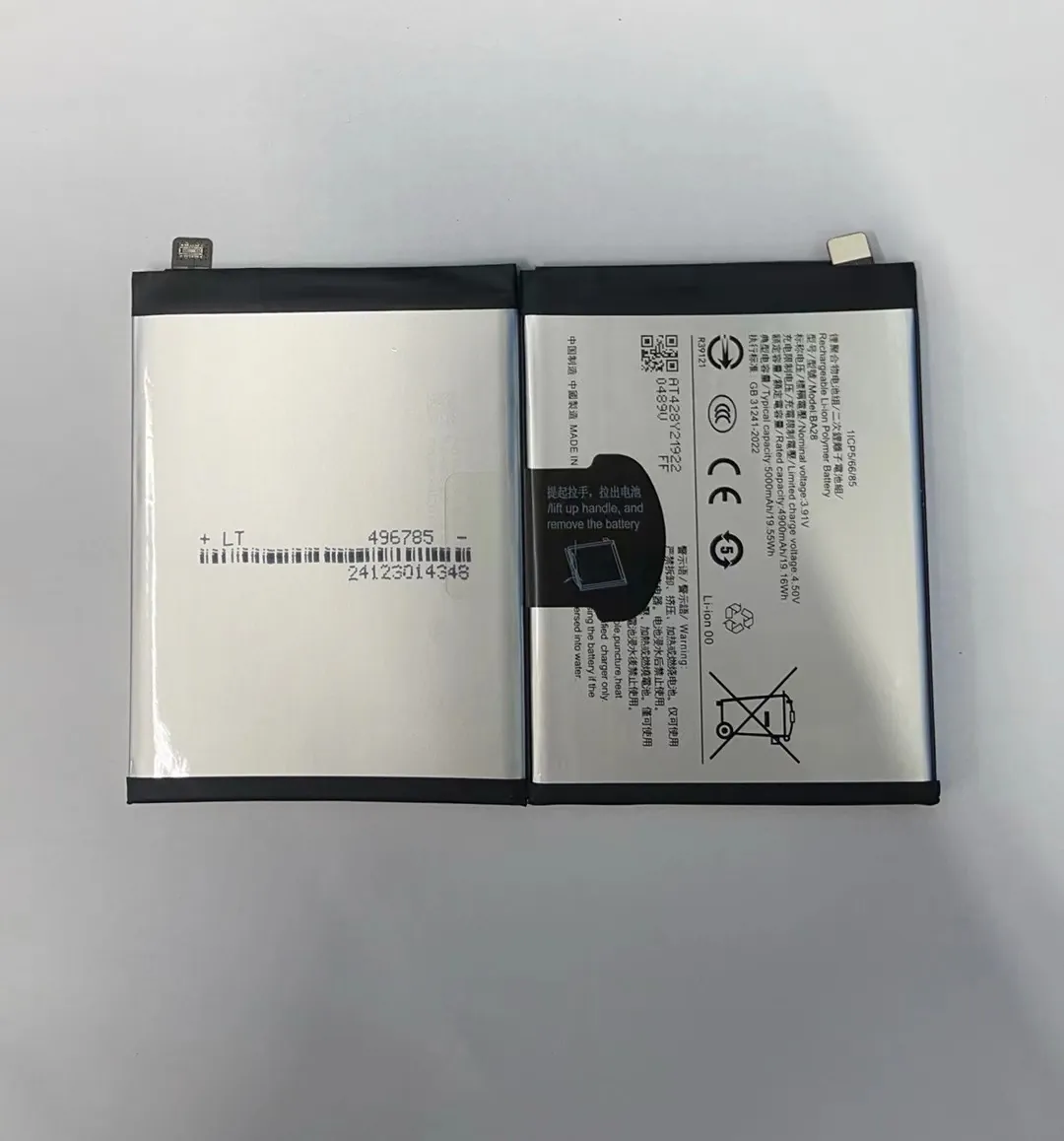
I want to explain this process in a simple way. When you understand these steps, you can pick the right converter with confidence.
Step-by-Step View of How Regulation Happens
1. High-Frequency Switching
The converter turns the input power on and off very fast. This happens thousands of times per second. This switching controls how much energy moves to the output.
2. Inductor and Capacitor Smoothing
The inductor stores energy, and the capacitor releases it smoothly. These parts remove spikes. Without them, your phone would receive uneven voltage, which could be dangerous.
3. Feedback Loop
The converter reads the output many times each second. If the voltage drops, it increases the duty cycle. If voltage rises, it reduces duty. This simple loop keeps the voltage steady.
4. Heat and Current Control
Better converters include safety chips. They check for over-current, over-heat, and short-circuit. When one of these issues appears, the converter shuts down or lowers the output.
Here is another table to explain the parts inside a converter:
| Component | Role | Why It Matters |
|---|---|---|
| Inductor | Stores energy | Keeps output stable |
| Capacitor | Filters noise | Protects phone circuits |
| MOSFET | Switches power | Controls voltage reduction |
| Controller IC | Manages feedback | Keeps voltage accurate |
| Diode | Guides current | Prevents damage |
Why 9V Needs Strong Regulation
A 9V battery is not stable. Its voltage drops quickly under load. A converter compensates for that drop. Without a converter, the phone could see sudden jumps or dips. This can harm charging chips inside the device. Some phones might shut off the port as a safety action.
Why can 9V be unsafe?
I know many people want a fast fix when their phone battery is low. But a 9V battery can easily create problems when used without the right parts. I have seen phones shut down from unstable power. I have also seen cheap converters burn out.
9V can be unsafe because it exceeds USB standards, creates heat, drains fast under load, and can cause unstable voltage spikes that damage charging circuits. Phones are not built to handle raw 9V input.

I want to explain where the risks come from. These risks are not obvious at first, and people often think “9V is small, so it must be safe.” But the danger is not the number alone. The danger is the unstable nature of the battery and the mismatch with phone charging needs.
Voltage Risk
A phone expects 5V USB unless it negotiates fast-charge mode. If you push 9V without negotiation, the phone’s protection circuit will reject it. In the worst case, part of the board can burn.
Current Risk
A 9V battery cannot give a lot of current. When you force it to deliver more, the voltage collapses. This collapse creates spikes. Spikes stress phone charging chips.
Heat Risk
Cheap converters get hot. Heat causes solder joints to weaken. Heat can also raise ripple noise. When noise enters the phone, the charging IC works harder, which creates even more heat.
Wrong Wiring Risk
Many DIY setups use loose wires. A reverse connection can damage the converter instantly. A short circuit can make the 9V battery very hot. Some 9V batteries leak when overloaded.
Why These Risks Matter to a Phone
Phones use advanced charging ICs. These chips read current and voltage constantly. They expect clean input. Any spike or drop makes the chip adjust. Too many adjustments increase heat. Heat shortens chip life. This is why unsafe 9V setups cause long-term damage even if the phone “seems fine” at first.
Which precautions ensure safer charging?
People often want a checklist because they feel lost in technical explanations. I use a simple list when testing modules. These steps help reduce the risk. They cannot remove all danger, but they help prevent common mistakes.
To ensure safer charging, you must use a proper step-down converter, check output with a meter, add fuses, avoid cheap boards, and test stability with a load before connecting a phone.

I want to break this down in a simple and practical way. You can follow these steps whenever you work with 9V power sources.
Use a Step-Down Converter
Never connect 9V directly. Even if the phone has protection, you should not rely on it. A converter keeps voltage at 5V or at proper fast-charge levels.
Test Output with a Multimeter
I always check the voltage before plugging in a phone. I make sure the voltage stays near 5V even when I add load.
Add a Fuse or Protection Board
A small fuse protects the wiring. Many DIY kits skip this part. A fuse reacts fast when a short happens.
Use Thick Wires
Thin wires drop voltage. They also heat up. Heat makes resistance higher. This creates unstable output.
Use a Load Tester
I use a USB load tester to simulate a phone. I set the load to 1A or 2A. If the converter cannot hold stable voltage, I do not use it.
Avoid Old or Weak 9V Batteries
A weak battery drops voltage too fast. I test the battery with a meter before I use it.
Consider USB-C PD Trigger Modules
These modules can improve safety when used with proper wiring. They give controlled output. They also add negotiation features.
The Role of Good Heat Management
Even the best converter gets warm. I attach a small heat sink when possible. Heat sinks extend the life of the board. They also help the phone receive stable power. Many people skip this step, but it helps a lot in DIY projects.
Conclusion
Charging a phone with a 9V battery is possible only with the right converter and proper testing. Safe setups rely on stable voltage, strong wiring, and protection parts. When you use the right steps, you lower the risk and protect the device.
