

I see many people struggle when their phone battery drains too slowly during tests. I feel this myself when I run quality checks for different models.
You can drain a mobile phone battery fast by increasing screen load, running heavy apps, using high-power sensors, and keeping radios active. These actions push the battery to work harder and drop faster.
I want to explain the simple steps in a clear way so you can test or observe battery behavior without confusion.
What actions speed battery discharge?
I often see phones hold charge longer than expected. This creates stress during quality tests. I know how annoying it feels when you want the battery to drop but it stays high.
You can speed battery discharge by increasing screen brightness, playing videos, running games, enabling hotspot, using GPS, and running many apps at the same time. These actions raise power demand quickly.
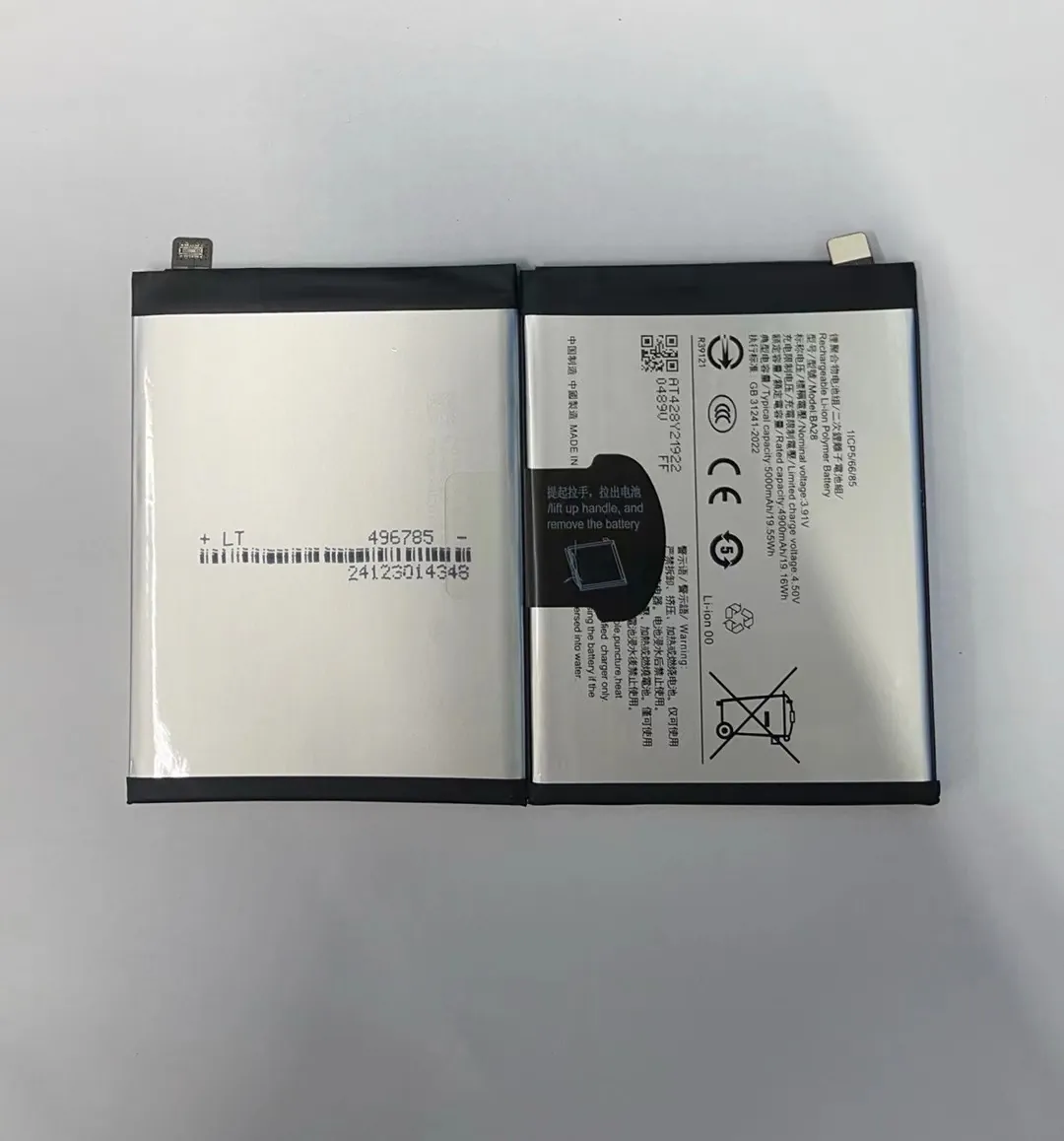
When I test batteries, I use a mix of simple actions that push the phone to full load. I want to show you how each part of the phone uses energy. This will help you understand why some actions drain faster than others.
Screen Load and Display Power
The display is the biggest power user in most phones. When I raise the brightness to maximum, I see a clear increase in temperature and discharge speed. LCD screens draw power in a steady way, while OLED screens draw more power when they show bright colors. This means a white image on an OLED screen drains power faster than a dark one. I sometimes open a bright YouTube video or a blank white page to make the phone use more energy.
High-Performance Apps and CPU Load
Games push the CPU and GPU to high levels. When I run a 3D game, I see battery percentages fall faster. Video editing apps and benchmark tools also make the phone hot. Heat is a sign that the phone uses more power. I keep these apps running for test sessions when I want fast results.
Wireless Connections
The phone uses more energy when it tries to connect to networks. I turn on WiFi, Bluetooth, mobile data, hotspot, and GPS at the same time. This creates heavy wireless activity. I also enable Bluetooth searching mode so the phone keeps scanning for devices. When I walk around during testing, the phone tries to maintain a strong signal, and this speeds up power use.
Multitasking and Background Apps
When many apps run together, the CPU stays active. I open social platforms, maps, video apps, browser tabs, games, and music players at the same time. The phone switches between these apps and drains faster.
Here is a simple table I use to compare how fast common actions drain battery:
| Action | Power Use Level |
|---|---|
| Max brightness | Very High |
| 3D gaming | Very High |
| GPS navigation | High |
| Hotspot on | High |
| Background apps | Medium |
| Music playback | Low |
These actions help me finish battery tests faster and understand how each phone handles load. This also helps me compare different models during my work.
How do settings increase power use?
Many people forget that simple phone settings can change power behavior. I often explain this to others when I help them test replacement batteries.
Settings increase power use when they activate strong screen output, constant connections, background activity, and system animations. These settings keep parts of the phone busy all the time.

I want to show how each setting affects battery life. I learned these patterns after long hours of testing. Once you understand them, you can control battery drain more easily.
Display Settings
The display settings matter a lot. When I increase brightness, the battery drops fast. Adaptive brightness also keeps adjusting the screen, so I turn it off when I need stable testing. High refresh rate modes like 90Hz or 120Hz also add load. Many people forget this. When I test, I lock the refresh rate at the highest level to force more energy use.
Connectivity Settings
Network settings also play a big role in battery use. If I turn on both WiFi and mobile data, the phone keeps switching or scanning between them. When the signal is weak, the phone works harder to stay connected. This drains the battery fast. When I turn on hotspot, the phone acts like a mini router, and this uses strong power. Bluetooth searching mode also drains energy because the phone keeps scanning in the background.
System Animation and Performance Modes
Some phones have performance or gaming modes. When these modes are active, the CPU runs at higher speed. This makes the phone respond faster but also increases drain. System animations also use power because they activate the GPU more often. I turn on all animations when I want to increase energy use.
Background Data and App Refresh
Many apps refresh themselves even when you do nothing. When background data and auto-sync are active, the apps keep pulling information from networks. I see this drain clearly in test logs. When I turn on push email, cloud sync, and auto-updates, the battery drains at a higher rate.
Here is a table I use during tests:
| Setting | Effect on Power |
|---|---|
| High refresh rate | High |
| Full brightness | Very High |
| Hotspot | Very High |
| Auto-sync | Medium |
| Bluetooth scan | Medium |
| System animations | Medium |
These settings show how small functions create steady drain. They help me speed up testing in a controlled way.
Why draining fully is harmful?
I meet many people who still follow old habits with modern phones. They think full discharge is good for battery health. I understand why, because older nickel batteries needed this. But today’s lithium batteries behave differently.
Fully draining a modern phone battery is harmful because it stresses the cells, reduces lifespan, increases heat, and can cause chemical wear inside the battery.
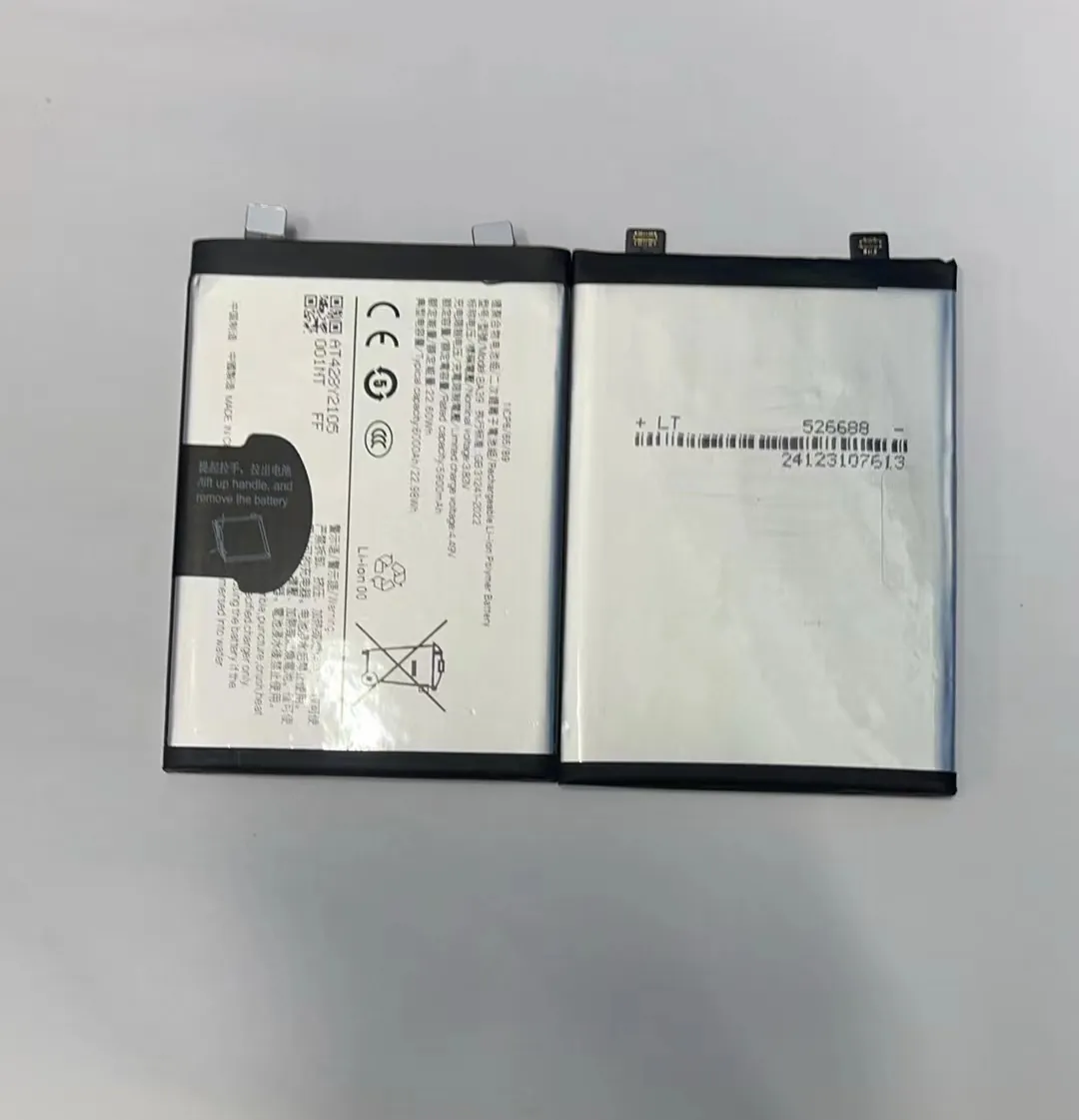
I want to explain the science behind this in simple words. I learned this after testing thousands of batteries.
Lithium Battery Chemistry Basics
Modern phone batteries use lithium-ion or lithium-polymer cells. These cells stay healthy when they operate between 20% and 80%. When the charge goes too low, the voltage also drops. Low voltage forces the battery into a state that creates chemical stress. If this happens often, the internal materials break down faster. This leads to shorter lifespan.
Deep Discharge and Safety Circuits
Phones have safety circuits that protect the battery from over-discharge. When the battery level shows 0%, the cell still has some energy left. But if you push it even lower, the circuit shuts the battery down. Repeated deep discharge makes the circuit activate more often. This makes battery recovery slower. Some batteries fail to turn on after too many deep discharges.
Heat and Chemical Stress
When I drain batteries to low levels during stress tests, I see that the phone heats more. Heat is a big enemy of lithium batteries. When heat and low charge happen together, the battery ages faster. This is why many testers avoid full discharge unless necessary.
Effects on Long-Term Health
Phones that drop to 0% too often show clear signs of aging:
- faster percentage drops
- sudden shutdowns
- inaccurate readings
- reduced maximum capacity
When people ask me why their phones cannot hold charge, I often learn they drained to 0% every day. Once I explain the reason, they understand it better and change their habits.
I want people to protect their batteries instead of hurting them. Full discharge should be rare, only for specific calibration tests.
Which methods test battery quickly?
When I test phone batteries before shipping or when I check quality levels, I use simple but effective methods. I always want fast results without risking the battery health.
The fastest way to test a phone battery is to apply high load with screen brightness, heavy apps, network activity, and stress tools while recording discharge speed under controlled conditions.

I want to show the steps I use during real testing. These steps give clear results and help me compare different batteries.
Step 1: Prepare the Phone
I start by charging the phone to around 100%. Then I reset background apps. I also check system logs so I know the phone is ready for testing. This helps me avoid mistakes later. I write down the battery percentage and the time.
Step 2: Apply Full Display Load
I set brightness to maximum. I lock the refresh rate to the highest option. I open a white screen or a video with bright colors. This pushes the screen to consume more energy. I sometimes use looping video files because they run smoothly and create steady load.
Step 3: Add CPU and GPU Load
I run a game or benchmark tool. This makes the phone hot, which shows that the battery works hard. I look at the battery percentage every few minutes. When the drop becomes stable, I know the test is going correctly.
Step 4: Turn On Wireless Functions
I enable WiFi, Bluetooth, hotspot, GPS, and mobile data. I move around the testing room so the phone tries to adjust signal strength. This increases power use in a natural way. When these functions stay active, the phone drains faster.
Step 5: Track Time and Compare Results
I write down how long each percentage drop takes. This helps me compare performance between different batteries or different phones. When a battery drains too slow or too fast, I know something is wrong. These tests help me detect unstable batteries before they reach customers.
Step 6: Final Review
After the test ends, I let the phone cool down. I check the temperature, battery logs, and system reports. This helps me understand the battery’s true condition.
These methods help me get clear results. They are simple, safe, and repeatable. They also help me test many units in a short time.
Conclusion
Phone batteries drain fast when the screen, apps, and network stay busy. Full discharge is harmful, but controlled testing helps you understand battery health. These steps give a simple way to test and observe power behavior.
