

I see many people replace batteries too fast because they follow some wrong habits. I know the frustration when a phone shuts down in the middle of work, and I want to help readers avoid this trouble.
You can take care of a mobile phone battery by using healthy charging habits, keeping stable temperature, adjusting simple settings, and checking battery health with basic tools. These steps slow down battery aging and keep the phone stable for a long time.
I want to share what I learned from testing many batteries for customers. These tips help me keep my own devices running longer, so I hope they help you too.
What habits extend battery life?
I often watch people charge their phones in ways that shorten the battery life. Many people keep the phone at 100% all night or let it drop to 0%. These habits cause stress to the battery and make it age faster.
The best habits to extend battery life are keeping charge between 20% and 80%, avoiding long full charging, using quality chargers, and charging in short sessions instead of one long session.
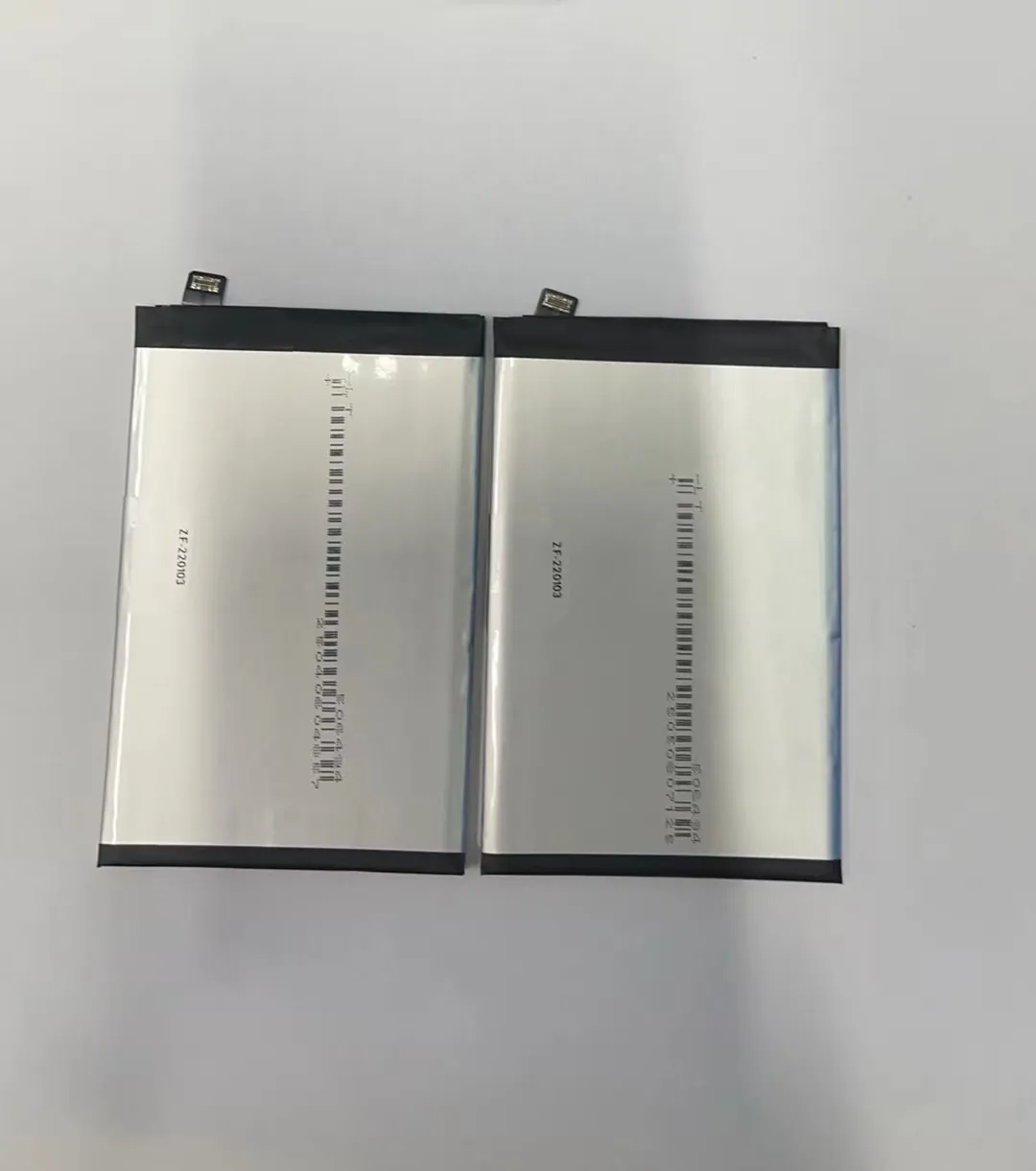
I always follow simple habits when I use my own phone, and they show real results. I learned these habits from engineers, and I saw the difference after years of testing batteries for customers.
Why the 20%–80% rule works
The battery inside a phone is a lithium-ion cell. This type of battery works best when the charge stays in the middle range. When the charge stays at 100% for a long time, the high voltage level causes stress. When it goes down to 0%, the battery struggles to stay active. So I keep my phone between 20% and 80%. I plug in the charger when I see 25% and I unplug at around 85%. This small change helps the battery hold charge longer after many months.
The impact of good chargers
I learned the hard way that cheap chargers cause trouble. Many untested chargers send unstable current into the phone. This unstable current heats the battery and harms the cells. I use safe and verified chargers only. I also remind customers to avoid chargers without labels or certification. A stable charger keeps the battery cool and safe.
A simple table of good and bad habits
| Habit | Good or Bad | Why it Matters |
|---|---|---|
| Charging from 20%–80% | Good | Reduces stress on battery cells |
| Leaving phone at 100% overnight | Bad | Adds constant heat and voltage stress |
| Using tested chargers | Good | Keeps current stable |
| Letting battery hit 0% often | Bad | Weakens battery health |
| Short charging sessions | Good | Keeps temperature and voltage stable |
My experience with daily habits
I charge my phone in short sessions during the day. I never worry about overnight charging because I avoid it. I also turn off apps I do not use, so the phone does not heat up during charging. These simple habits add many extra months to the battery’s life. My customers who follow these steps get fewer battery replacements every year. This shows that these habits work in real daily use.
How can settings cut power use?
Many people think settings do not matter, but they do. I see phones come in with fast battery drain even when the battery is new. Almost every time, the cause is hidden inside the settings.
You can cut power use by lowering screen brightness, turning off background apps, using power-saving mode, and reducing GPS, Bluetooth, and Wi-Fi scanning.

I set up these options on my own phone and on many devices for customers. These small tweaks remove a lot of unnecessary drain. They also reduce heat, which protects the battery.
Why brightness is the biggest battery killer
The screen uses more power than any other part of the phone. I keep my brightness low, and I turn on auto-brightness. This one change reduces power drain more than anything else. When the screen stays bright for a long time, the phone heats up, and heat makes the battery age faster.
Many apps keep running after you close them. They refresh in the background and take power. I turn off background refresh for apps that I do not need to update all the time. I also turn off notifications for apps that send too many alerts. This keeps the phone cool and smooth.
Here is a simple settings checklist
| Setting | Action | Result |
|---|---|---|
| Screen brightness | Keep low or auto | Less power draw |
| Background refresh | Turn off for unused apps | Lower heat and drain |
| GPS | Use only when needed | Cleaner battery use |
| Bluetooth & Wi-Fi | Turn off scanning | Minimize constant activity |
| Power-saving mode | Keep on during long days | Slower battery aging |
The deeper impact on battery health
When these settings stay optimized, the phone stays cool. Heat is one of the biggest reasons batteries age quickly. Every time a phone cools down and heats up, the battery experiences stress. When I reduced unnecessary screen brightness and background work, my phone battery started lasting longer each day. I also saw customers reduce complaints after they followed the same settings guide. These changes do not need special skills. They only need simple adjustments that anyone can do in a few minutes.
Why avoid extreme heat or cold?
I always warn customers about extreme temperature, but many forget this rule until their battery starts swelling or losing charge quickly. Temperature affects battery health more than most people know.
You should avoid extreme heat or cold because both conditions damage the battery cells, slow down chemical reactions, and cause permanent aging, swelling, or sudden shutdowns.

I learned this from years of handling batteries that failed due to heat. Many phones placed on car dashboards or left in the sun show fast battery damage.
How heat destroys batteries
Heat is the biggest enemy of lithium-ion batteries. When the inside temperature rises, the chemical reactions inside the cell speed up. This causes faster aging. It also makes the battery expand. In many cases, the battery becomes swollen and pushes the screen up. I saw many phones damaged by this. Once swelling starts, replacement is the only option.
Why cold is also harmful
Cold slows down chemical activity. When the phone stays in very low temperature, it may shut down even at 30% charge. Cold temporarily reduces capacity, but repeated exposure also causes long-term stress. I avoid leaving my phone outside during winter or near cold windows.
Tips to protect battery from temperature damage
Heat protection tips
- I never leave the phone in a hot car.
- I avoid gaming when the phone is charging.
- I remove thick cases when charging, so the phone can dissipate heat.
Cold protection tips
- I keep the phone inside my pocket in winter.
- I avoid charging the phone when it is too cold.
- I warm the phone slowly to room temperature before using it again.
Why temperature matters so much
Both high and low temperature affect the battery at the chemical level. This is why the manufacturer usually suggests a safe operating range. When the temperature moves outside that range, the battery loses capacity faster. I saw many devices with fresh batteries show weak performance simply because they were used in extreme conditions. When my customers started paying attention to temperature, battery replacements became less frequent. This proves that temperature control works in daily life.
Which tools track battery health?
Many users ask me how I check battery health so accurately. The answer is simple: I use basic tools that show real battery status. These tools help me decide when a battery must be replaced.
You can track battery health with built-in system tools, battery apps, charging cycle counters, and simple testing devices that show capacity and voltage behavior.

I use these tools every day when I test batteries before shipping to customers. They help me see real numbers instead of guessing. Anyone can use these tools to understand how their phone battery is aging.
Built-in phone tools
Most phones today have battery health sections. They show the maximum capacity left and the number of charge cycles. I check this first. If a phone drops below 80% capacity, the owner will feel weaker battery life.
Third-party apps
There are many apps that show battery temperature, voltage, and real-time drain. I use these when I need more details. They help me confirm if an app is causing abnormal usage.
External battery testers
When I check stock for customers, I use small devices that read battery capacity directly. These testers show accurate numbers. They measure real mAh and reveal if a battery is still healthy. Most users do not need this tool, but it is useful for repair shops.
What each tool tells you
Internal tools
- Show battery health percentage
- Show cycle count
- Show current power drain
Apps
- Show temperature
- Show voltage
- Show usage patterns
External testers
- Show real mAh
- Show charging and discharging curve
- Show internal resistance
Why these tools help so much
When you track your battery health, you can change your habits early. If the temperature is too high, you can find the cause. If an app drains too fast, you can remove it. If the health level drops too fast, you can prepare for a battery replacement. These tools help keep daily use smooth. I use them with every shipment I test, and they help maintain a low return rate for my customers. They also help users avoid sudden battery issues.
Conclusion
Good charging habits, smart settings, safe temperature control, and simple battery-health tools give you a long-lasting phone battery. These steps keep the phone stable, safe, and smooth in everyday use.
