
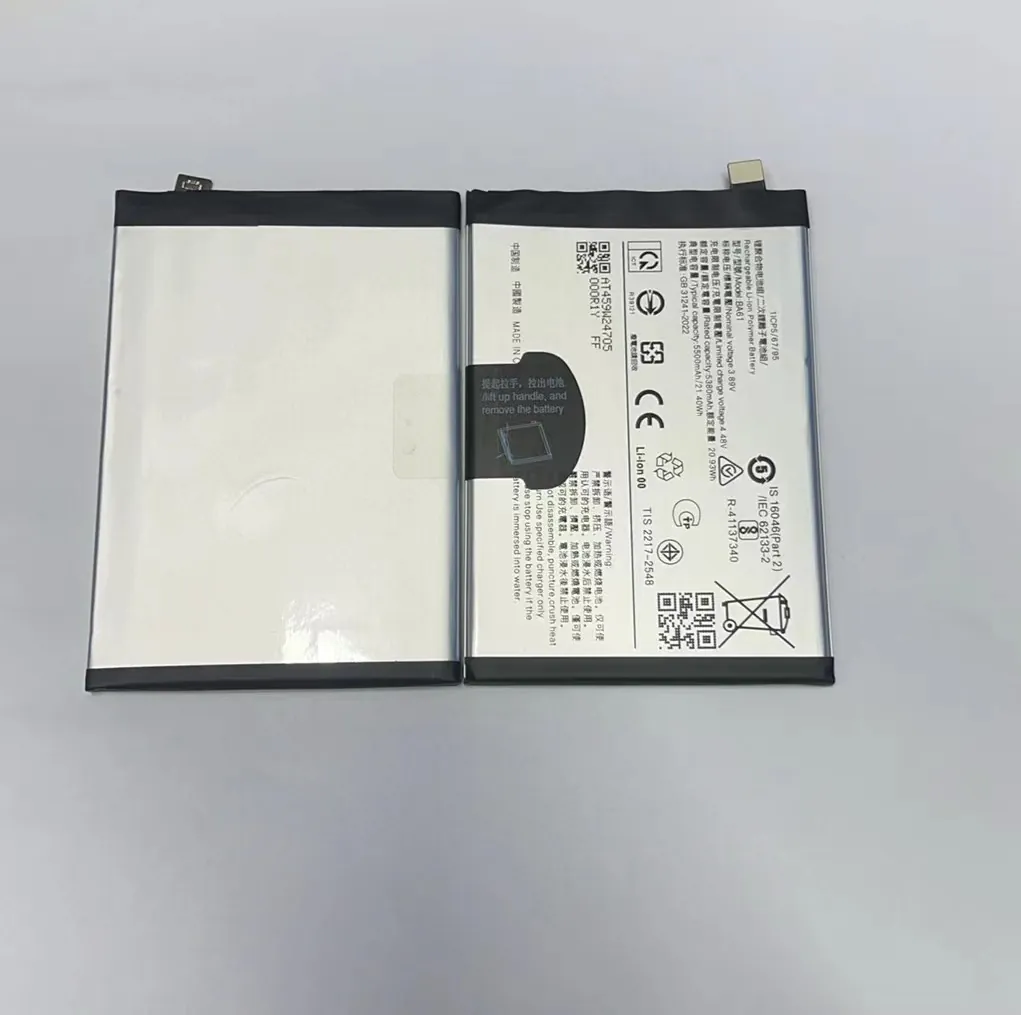
Tired of charging your phone every evening? You are not alone.
The phones with the longest lasting battery often combine large battery capacity, efficient hardware and smart software. Some flagship models now deliver over a day and a half of heavy use without recharge.
Below I dive into which phones top endurance tests, how software helps save power, why chip efficiency matters a lot, and whether rugged phones deliver real battery longevity.
Which model leads in endurance tests?
Struggling to find a phone that lasts all day? There are few that truly stand out.
Phones like the ones below consistently show top scores in battery tests, often lasting 15–20 hours of screen‑on time. These models lead in real‑world endurance.

Some smartphone models shine above the rest when it comes to battery endurance. In lab tests and real‑world use they often outlast competitors by a wide margin. Below is a table summarizing recent results from several popular phones:
| Phone Model | Battery Capacity (mAh) | Typical Screen‑on Time | Notes |
|---|---|---|---|
| Galaxy S23 Ultra | ~5000 | ~15–17 hours | High capacity plus efficient screen |
| iPhone 15 Pro Max | ~4450 | ~14–16 hours | Very efficient chipset and software |
| ROG Phone 7 (Gaming) | ~6000 | ~16–18 hours | Large battery and gaming‑optimized power draw |
| Motorola Edge (2023) | ~5100 | ~14–15 hours | Balanced hardware and large battery |
| Pixel 8 Pro | ~5050 | ~13–14 hours | Android optimizations + medium battery |
Why these phones lead
Large battery capacity helps a lot. A 5000–6000 mAh battery gives more raw energy. That matters if the screen and processor are efficient. In the case of the Galaxy S23 Ultra and ROG Phone 7, they both pack big batteries. In the ROG Phone case, the phone is built for gaming, where battery draw is high. The larger cell helps it last despite heavy usage.
The role of hardware balance
Battery life does not only depend on capacity. Display, processor, and software all need to work together. The iPhone 15 Pro Max does not have the largest battery, but its efficient chipset and display technologies help stretch runtime. That shows that efficiency sometimes matters more than raw capacity.
In real‑world use, phones that balance capacity, efficient components, and good software power management stand out. For many users, these phones offer a full day or more even under heavy use. For others, under light/moderate use they may stretch to 1.5–2 days.
When you compare phones side by side, you see that raw battery size is only part of the story. Efficiency and hardware choices play a big role.
How do software optimizations extend battery life?
Worried that apps drain your battery too fast? Software tricks can help a lot.
Software optimizations limit background tasks, control screen refresh, and adjust CPU load. They can add hours of battery life over hardware alone.
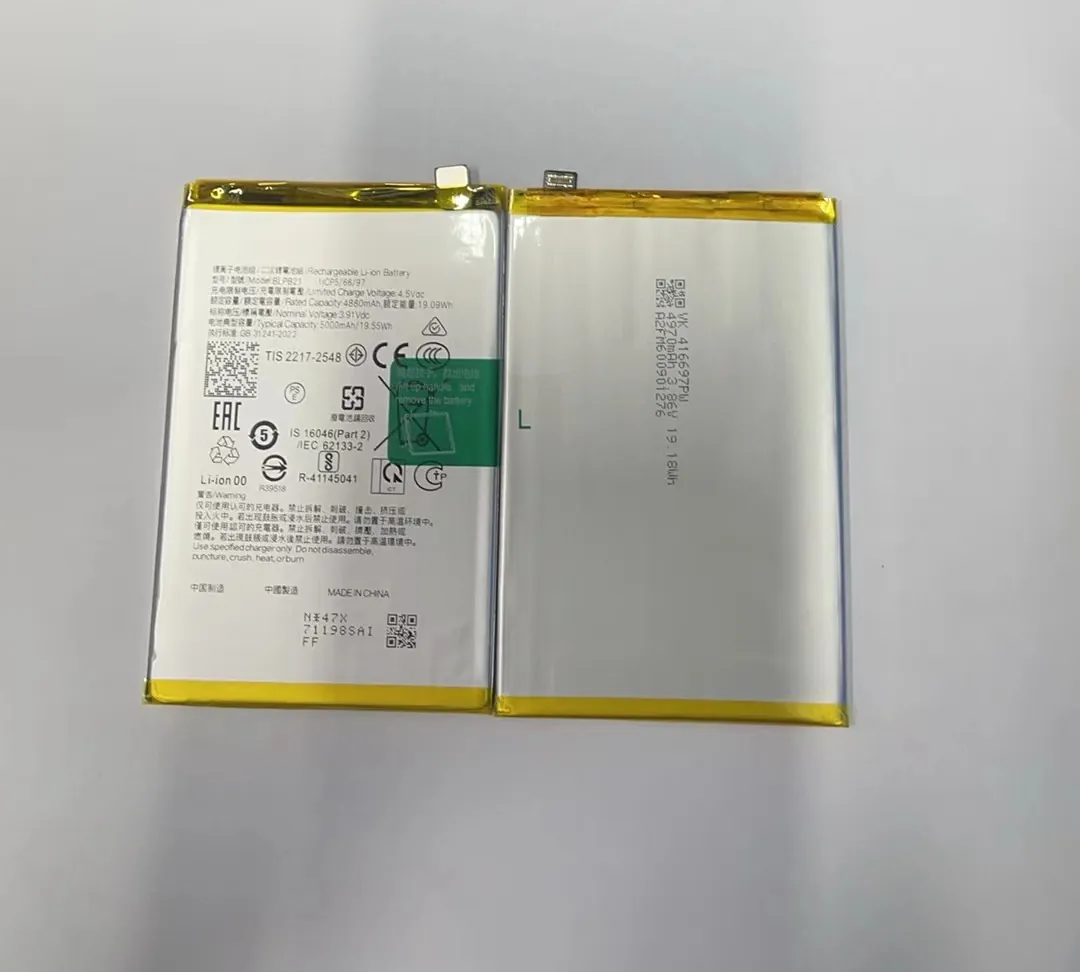
Phones today rely heavily on software to get more run time. Many modern smartphones ship with power saving features built into the operating system or added by manufacturers. These features can reduce power draw significantly without hurting user experience.
Common software power savers
- Dark mode or dark theme: Reduces screen energy, especially on OLED displays.
- Adaptive refresh rate: Screen refresh slows down when content is not moving. Saves energy versus constant high refresh.
- Background app limits: System stops apps from waking CPU when idle.
- Doze / sleep mode: When screen off, CPU and network are suspended or limited.
- Automatic brightness and screen dimming: Avoids overly bright screen use.
Here is a simple table showing typical battery savings from software optimizations:
| Optimization Type | Estimated Battery Saving* | When It Helps Most |
|---|---|---|
| Dark Mode / Dark Theme | 5–10% | Browsing, reading, static UI tasks |
| Adaptive Refresh Rate | 8–15% | Scrolling feeds, reading, browsing |
| Background App Limits | 10–20% | Heavy social or messaging app use |
| Screen Dim & Auto Brightness | 5–10% | Indoor or low‑light use |
| Doze / Sleep Mode | 15–25% | Standby, overnight |
*Savings vary by use and hardware.
Why software makes a difference
Hardware sets what is possible. Software decides how and when to use it. For example, an OLED display uses more power when bright and color heavy. Dark mode shifts to darker pixels. That reduces power per pixel. Over hours, energy savings add up. Adaptive refresh rate lowers refresh when not needed. That uses less CPU and GPU power.
Background app limits and sleep modes prevent apps from using CPU, network, and sensors when not in use. Many apps run tasks every few minutes (sync, ads, analytics). Without limits, they drain battery in background. With limits, phone stays in low‑power state until user interacts.
Automatic brightness reduces screen power by keeping brightness just enough. Many users keep brightness high. That wastes power. Auto‑brightness reduces waste.
Together, these software optimizations cut energy use substantially. For users who mostly browse, message, or read, software matters as much as hardware. Even phones with modest battery capacity can last long if software is efficient.
What role does processor efficiency play?
Do you know the brain of the phone affects battery life? Chipsets betray this truth.
A modern efficient processor draws less energy while doing tasks. That efficiency often means extra hours per charge compared to older or less efficient chips.

The processor inside a phone is a major power consumer. When the smartphone brain is efficient, the whole device gets better battery life.
What “efficient processor” means
A processor can be efficient in several ways. It can use smaller manufacturing process (like 4 nm vs older 7 nm). That means each transistor uses less power. It can have efficient core design: some cores built for heavy tasks, others built for light tasks. The phone switches between them depending on load. It can also use better power gating: idle parts of processor shut down fully instead of wasting energy.
Impact on battery life
When a processor is efficient, it reduces energy use even when doing demanding tasks such as browsing, video, or multitasking. If you watch videos, scroll feeds, or use social apps, a more efficient processor will use less energy per frame or per action. This saves battery during active use.
When phone is idle, modern processors shut down most parts. That reduces background draw. Older processors leak more power when idle. That drains battery even when phone sits unused.
Real‑world cases
Consider two phones with similar battery capacity. One uses a modern 4 nm chipset. The other uses older 7 nm chipset. In real tests the 4 nm phone runs 1–2 hours longer under the same usage. That difference is only from processor power draw. Over a day, that may decide if you finish the night with juice or need a charger midday.
Phones like the iPhone 15 Pro Max and Galaxy S23 Ultra benefit from cutting‑edge chipset designs. Their processors handle heavy tasks with minimal energy cost. That gives them endurance advantage.
Even in a phone with large battery, an inefficient processor can negate gains. A big battery plus old processor might still lose to smaller battery plus efficient chipset. Thus processor efficiency often matters equal to battery capacity.
Are rugged phones better for battery longevity?
Think rugged phones must last long? Often that holds. But not always.
Rugged phones often include large batteries and tight energy profiles. They may deliver long battery life, though their heavy hardware can cut some gains.
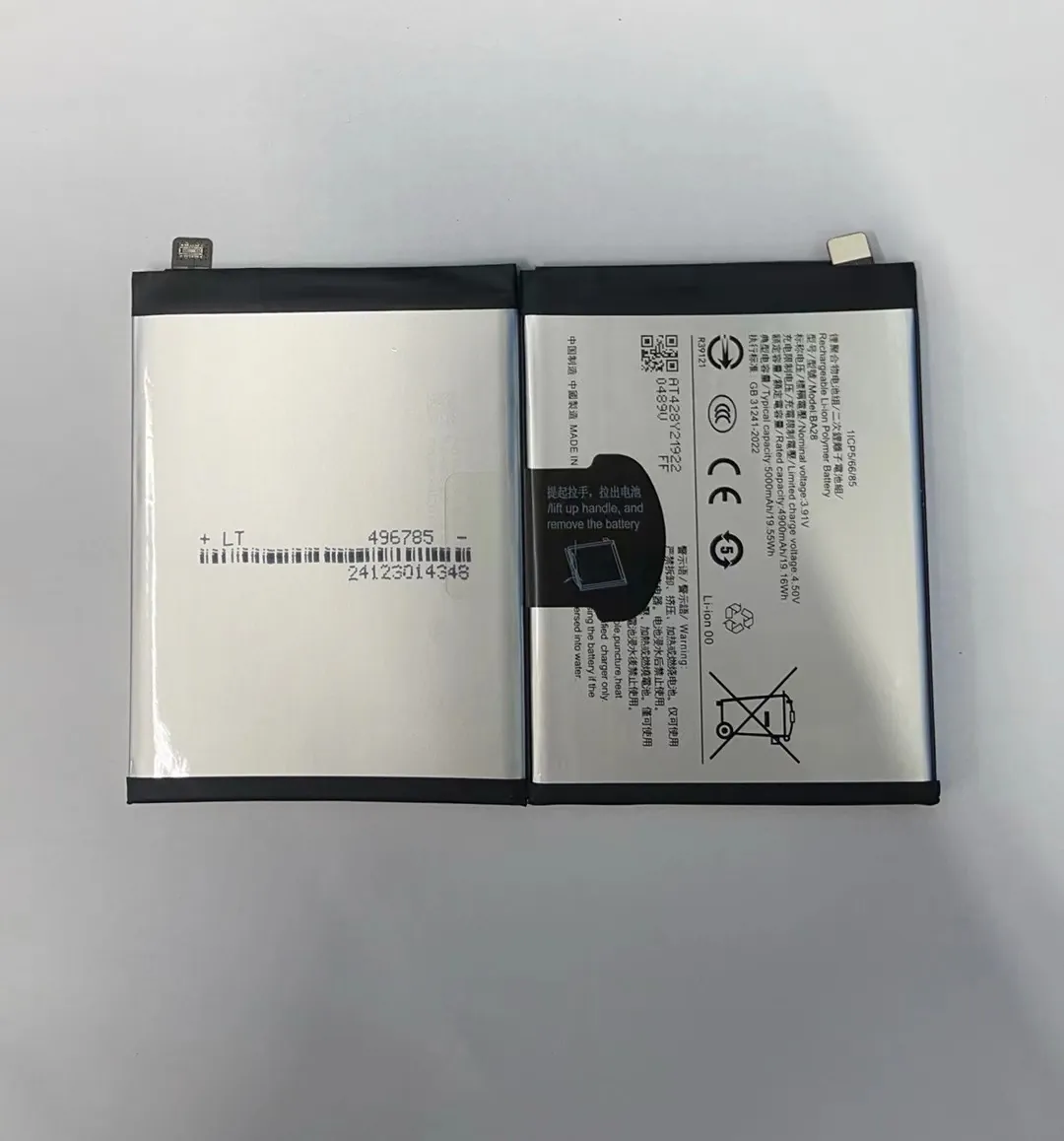
Rugged phones appeal to users who want durability, water resistance, dust protection—and long battery life. Many rugged models pack large batteries. That alone can give longer runtime. But rugged design comes with trade‑offs.
What rugged design adds
Rugged phones often have thicker chassis, larger space. That allows a bigger battery pack, often 5500 mAh to 7000 mAh. That capacity is higher than most mainstream phones. That gives more energy storage. For workers, travelers, and outdoor users, that means long use between charges.
Rugged phones often omit power‑hungry high‑refresh screens, or use lower resolution displays. That reduces energy draw. Lower screen demands plus large battery can yield strong longevity.
Where rugged phones fall short
On the other side, rugged phones often run older or mid‑range processors. That reduces efficiency compared with latest flagship chips. When processor needs to do heavy tasks, it might draw more power per task. That reduces the benefit of large battery.
Also rugged phones may lack advanced software power optimization. Manufacturers focus on durability and battery size. Software tuning may not be top priority. That means background tasks or screen settings may be less efficient.
Trade‑off example
| Feature | Benefit for Rugged Phone | Trade‑off or Drawback |
|---|---|---|
| Large Battery (6000 mAh+) | Long runtime, many hours standby | Heavier phone, slower charging |
| Lower‑power Screen (low refresh/res) | Less screen energy use | Less smooth display, lower quality |
| Basic Processor (mid‑range) | Less power when idle or simple tasks | Less efficiency during heavy tasks |
| Basic Software Optimization | Simpler OS => fewer background spikes | Less battery saved during daily apps |
In real use, rugged phones do offer long battery life. If user mostly needs long standby, calls, occasional apps, then rugged model works well. But if user runs heavy apps, games, or multitasks, then efficiency and software matter more. A modern flagship with efficient chipset may outperform a rugged phone with large battery under heavy use.
For people who work outdoors, travel, or need durability, rugged phones give a good compromise. But for everyday smartphone users, battery life depends more on balance: good battery size, efficient hardware, and smart software. Rugged phones help in some cases—but they are not always the best choice for battery longevity under all conditions.
Conclusion
Phones with the longest battery life combine large battery cells, efficient processors and smart software. Rugged models add big batteries too, but they lose ground when processors and software lag. For best longevity, look for a balanced phone rather than counting only mAh.
